Your Roborock main brush is a consumable — it wears out in 6 to 12 months with daily use. When the rubber ridges flatten out or you start seeing dust trails after a clean, it's time to swap. The good news: replacement is a 5-minute job, no tools needed for most models, and genuine Roborock brushes run $20 to $30 on Amazon.
The catch is compatibility. Roborock has shipped three distinct main brush designs across its lineup, and getting the wrong one is the single most common mistake. This guide walks you through when to replace, which brush fits your exact model, how to do the swap safely, and how to fix the noise problem people hit right after a new install.
30-Second Summary
- Replace every: 6–12 months (main brush) / 3–6 months (side brush)
- Signs to watch: flat rubber ridges, dust trails, grinding noise, tangled hair you can't unwind
- Cost: $20–30 genuine main brush, $10–15 two-pack side brushes
- Tools: none for most models (Phillips #00 for side brush only)
- Time: 5 minutes main brush, 2 minutes side brush
- Biggest mistake: buying the wrong brush family — check the compatibility matrix below before ordering
When to Replace Your Roborock Brush
Roborock's official maintenance guide says main brushes should be replaced every 6 to 12 months and side brushes whenever they appear damaged. In practice, that window is a ceiling, not a rule. The actual trigger is performance — not calendar time.
Signs your main brush is done:
- Flat rubber ridges. A new Q Revo/S7/Q7 main brush has sharp, raised rubber fins. When those fins look rounded or smooth, sweeping action drops off fast.
- Dust trails behind the robot. If you're seeing a thin line of missed debris after a clean on hard floors, the brush is slipping instead of sweeping.
- Reduced carpet pickup. Embedded pet hair that used to come up in one pass now needs two or three. This is the second-most-common signal after flat ridges.
- Grinding or rattling noise that doesn't stop after you clean out the brush compartment. Hair wrapped deep into the bearing shaft can warp the brush over time.
- Visible splits in the rubber — this is rare but end-of-life.
Signs your side brush is done:
- Bristles bent out at 90 degrees and don't spring back when you run your thumb over them.
- One arm noticeably shorter than the others (happens when it catches on furniture legs repeatedly).
- Edge cleaning drops off — the robot misses crumbs along baseboards where it used to sweep them out.
Real user data is all over the map. One long-time owner on the Robot Reviews forum reported running the same main brush on an S6 for almost three years without swapping it — no performance loss, no noise. At the other end, Amazon reviewers with two or three pets describe replacing every 6 months because the hair weaving is so bad the brush won't unwind. Your house is somewhere on that spectrum. Watch performance, not dates.
Useful cross-check: if your Roborock suddenly started leaving debris behind and you're not sure the brush is the cause, run through our Roborock not picking up debris fix guide first. A flat brush and a clogged suction path look identical from the app side.
Compatibility: Which Main Brush Fits Your Roborock
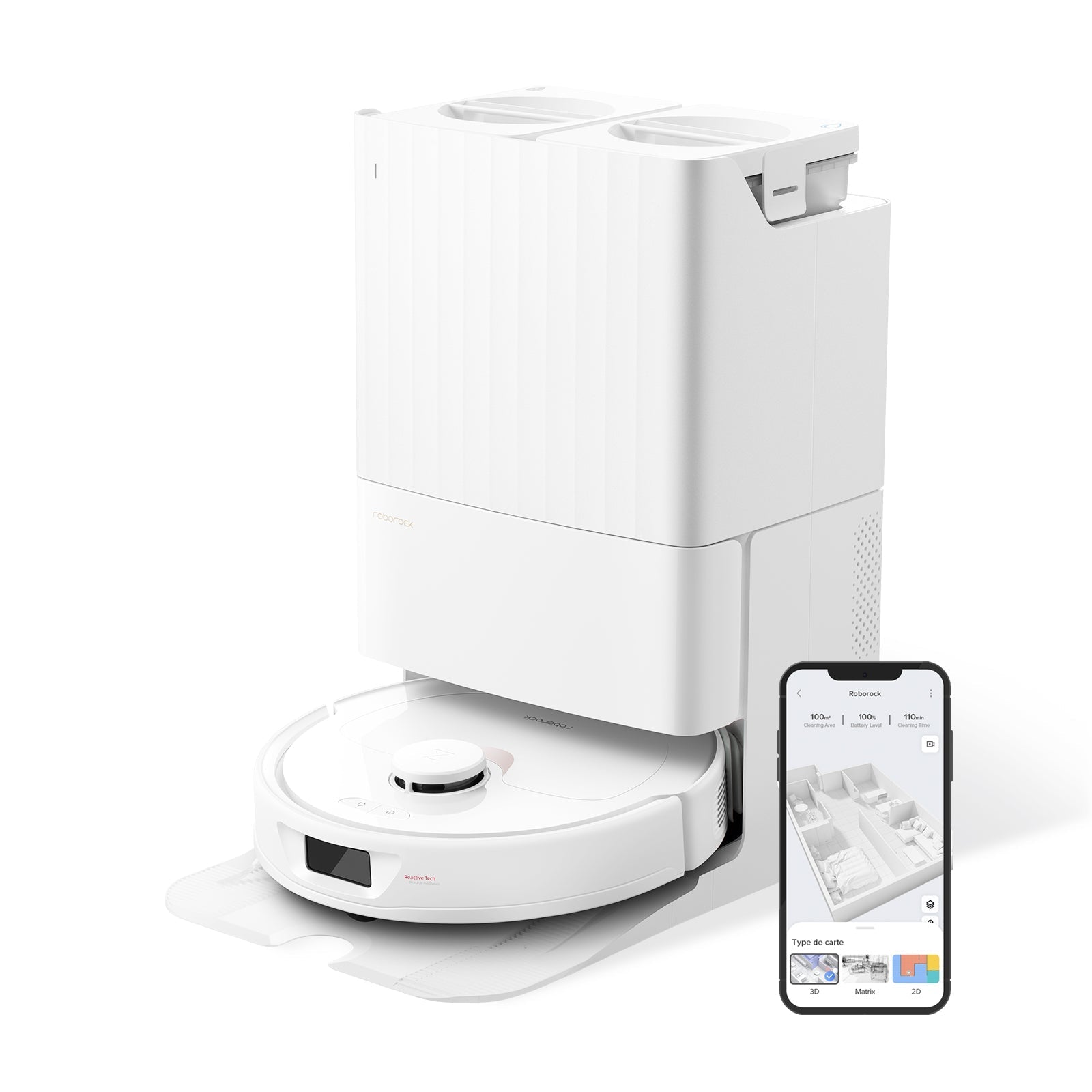
This is where most people buy the wrong part. Roborock has three main brush families, and they are not interchangeable. Before you click buy on Amazon, find your model in the table below.
Main Brush Family Matrix
| Brush type | Compatible models | What it looks like |
|---|---|---|
| Single rubber brush (all-rubber) | Q Revo, Q Revo S, Q Revo Pro, Q Revo Master, Q Revo Plus, Q Revo Slim, Qrevo MaxV, Qrevo Curv, QV 35A, QV 35S, Q7, Q7+, Q7 Max, Q7 Max+, S7, S7+, S7 MaxV, S7 MaxV Plus, S7 MaxV Ultra, S7 Max Ultra, S7 Pro Ultra | Single cylinder, continuous rubber fins running along the length |
| Dual rubber brush (DuoRoller) | S8 MaxV Ultra, S8 Max Ultra, Qrevo Curv 2, Qrevo Curv 2 Pro, Qrevo Curv 2 Flow, Saros 10, Saros 10R, Saros 20, QX Revo Ultra | Two parallel rollers that counter-rotate, much better on tangled hair |
| Hybrid rubber + bristle brush (legacy) | C1, E2, E3, E4, E5, S4, S4 Max, S5, S5 Max, S6, S6 Pure, S6 MaxV | Alternating rubber and nylon bristle sections — older 2018–2021 models |
| Single rubber, S8-specific | S8, S8+, S8 Pro Ultra | Looks like Q Revo brush but uses different end caps — order the S8-labeled SKU |
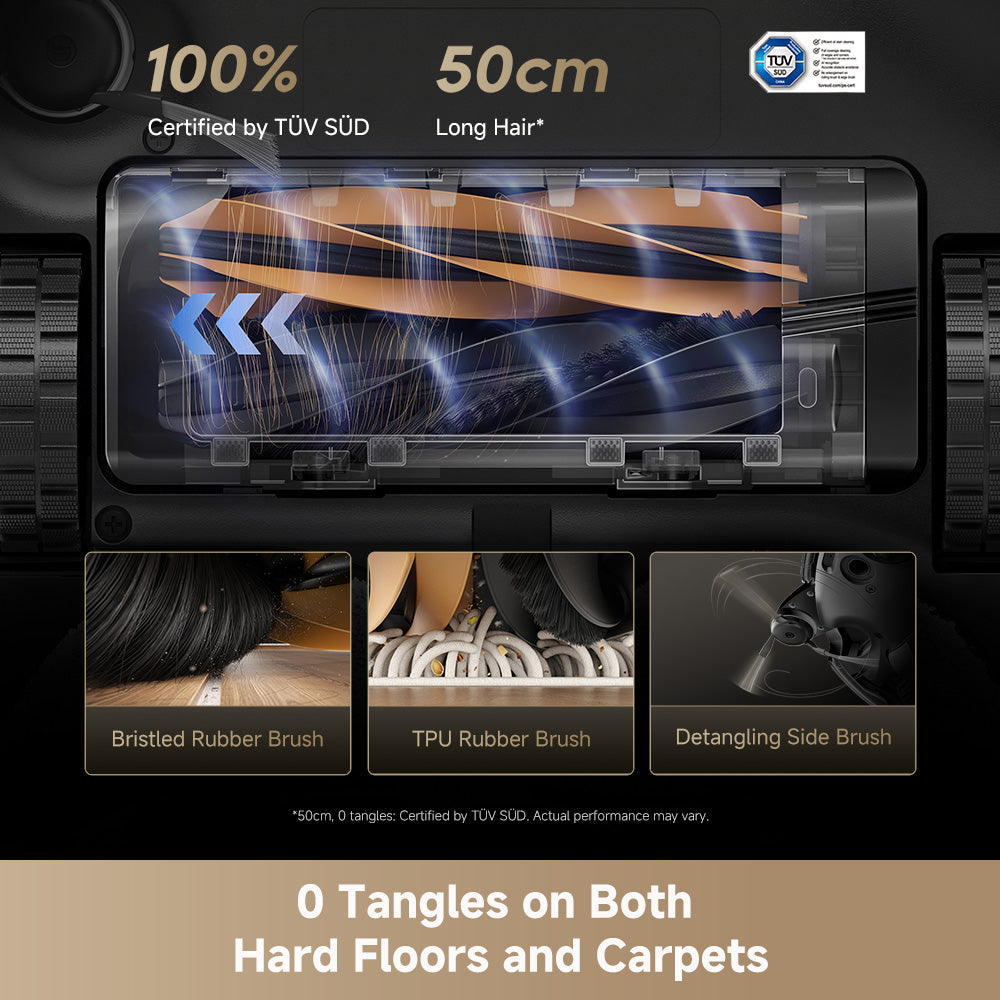
This catches a lot of owners out — especially S8 MaxV Ultra buyers who assume the S8 MaxV and the regular S8 share the same brush. They don't. The DuoRoller is a two-brush system; the regular S8 uses a single-rubber design with different end caps. If your robot has two counter-rotating brushes side by side when you flip it over, you need the DuoRoller set, not a single-rubber replacement.
Side Brush Compatibility
Side brushes are much simpler — one standard side brush design fits almost every Roborock sold since 2018. That includes the entire Q Series, S Series, Qrevo Series, and E Series. The only exception is the Saros Z70, which uses a proprietary side brush (different mount).
For a deeper breakdown of every consumable and how often to swap each one, see our Roborock replacement parts guide.
Tools You Need
For the main brush, you need nothing. The brush cover lifts off with two plastic latches. The brush itself snaps out.
For the side brush, you need:
- A Phillips #00 screwdriver (the small eyeglass-kit size). Roborock uses one screw per side brush arm.
- That's it. Skip the bigger screwdriver — the head will cam out and strip the screw.
Power off the robot before starting. On models with a power switch (most S Series and Q Series), flip it to off. On newer models without a physical switch, press and hold the Clean button until the voice says "Powering off." You do not want the brush spinning when your fingers are near it.
How to Replace the Main Brush
For single-rubber and hybrid models (Q Revo, S7, Q7, Qrevo, S8, legacy E/S4–S6)
- Flip the robot upside down on a clean, flat surface. A towel helps protect the top lid.
- Locate the main brush cover — the plastic frame that surrounds the brush on the underside. Two small tabs hold it in place, usually marked with arrows or "PUSH" text.
- Press both tabs simultaneously and lift the cover straight up. It should come off cleanly; if it fights you, check for hair wrapped around the edges.
- Lift the old brush out. On newer models the left end pops up first (hinged socket); on older models both ends sit in U-shaped cradles and lift straight up.
- Wipe down the empty cavity and the brush drive socket with a dry cloth. This is the one maintenance step people always skip, and it's why new brushes sometimes run rough from day one.
- Drop the new brush in — square end first into the drive socket, then press the round end down until it clicks. The brush should spin freely when you rotate it with your finger.
- Seat the cover back on, pressing both tabs until they click. A cover that isn't fully seated is the single biggest cause of post-replacement noise (covered below).
For DuoRoller models (S8 MaxV Ultra, Saros 10/10R/20, Qrevo Curv 2)
The DuoRoller is a set of two brushes in a single tray.
- Flip the robot. Locate the brush tray — a larger plastic frame containing both brushes.
- Press the single release latch (usually center-front of the tray) and lift the entire tray out.
- Pop each roller out of the tray by lifting from the end opposite the drive shaft.
- Clean the tray cavity and both drive sockets.
- Install both new rollers — they are color-coded or shaped asymmetrically on most models, so you can't install them backwards. If one doesn't seat, flip it end-for-end.
- Reinsert the tray until the latch clicks.
If you want a video walk-through for a specific model, iFixit's Roborock repair library has photo-based guides for the S7 Max Ultra and Q5. The mechanics are nearly identical across the single-rubber family.
How to Replace the Side Brush
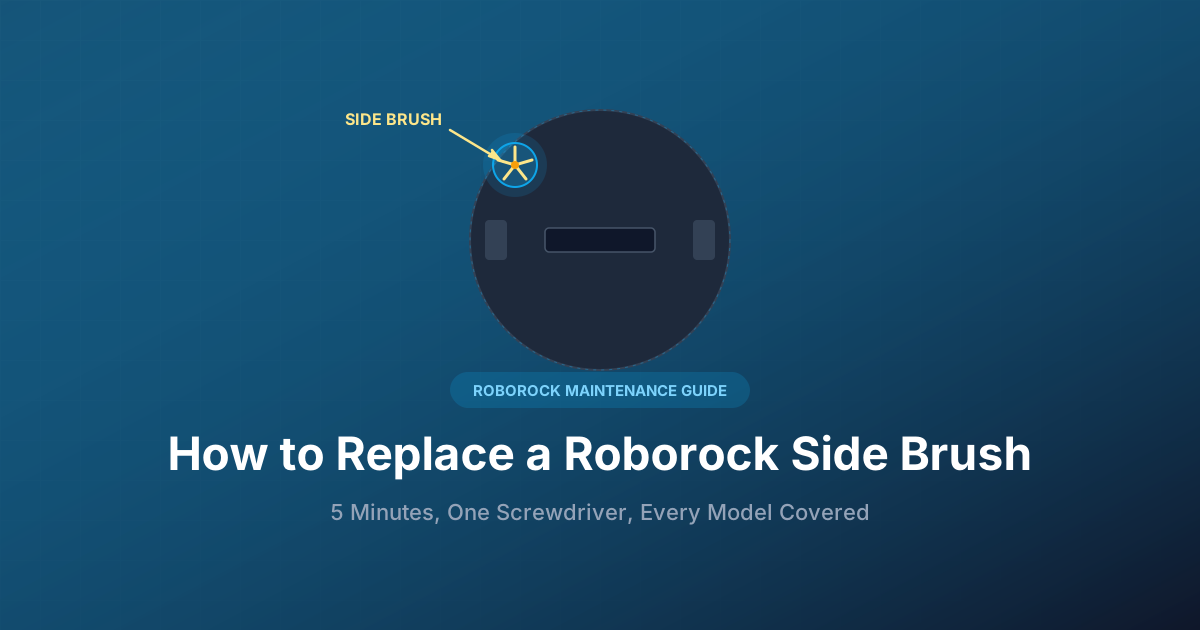
- Flip the robot. Locate the side brush on the front-right underside (some models front-left too — Saros Z70 and newer).
- Unscrew the center Phillips screw. Go slow — the screw is small and can strip if you use too big a driver.
- Pull the old brush straight up off the drive shaft. If the arms have splayed out and are catching on the shroud, bend them back slightly first.
- Drop the new brush onto the shaft — it keys onto a D-shaped post, so there's only one orientation.
- Replace and tighten the screw until snug. Do not overtighten; the screw threads into plastic and will strip.
If your Roborock has two front side brushes (Qrevo Master, Saros Z70), repeat on the second one.
For the full walk-through with photos, see our dedicated Roborock side brush replacement guide.
How Much It Costs
Genuine Roborock replacement brushes sit in these ranges on Amazon:
- Single rubber main brush (Q Revo / S7 / Q7): $22–28 each
- Dual roller set (S8 MaxV / Saros): $35–45 for the pair
- Legacy hybrid brush (S5/S6/E-series): $18–25
- Side brush 2-pack (genuine): $10–15
- Side brush 4–6 pack (third-party): $12–20
- Full maintenance kit (1 main + 2 side + filter + mop): $35–55
Are third-party brushes worth it? For side brushes, yes — Coredy, Soniicmomo, and a handful of other brands sell four-packs at half the official price, and the side brush design is simple enough that aftermarket fit is usually fine. For main brushes, stick with genuine. The recurring complaint across Amazon 1-star reviews and Reddit threads on aftermarket DuoRollers is the same story: a slightly oversized roller binds against the tray, the drive motor spikes, and the robot either throws a brush error or — worst case — strains the motor over time. The $10 saved isn't worth the risk on the part that actually does the cleaning.
One buying tip: Amazon runs frequent promotions on Roborock parts because the listings compete on subscribe-and-save. If you can wait, the maintenance kits drop to $25–30 during Prime Day and Black Friday — half the per-piece price.
Troubleshooting: Problems After a Brush Replacement
Almost every issue that shows up within 24 hours of a brush swap comes from one of three causes. Check them in this order before calling support.
The robot is louder than before. This is the #1 post-replacement complaint on Reddit, and the fix is almost always the same: the brush cover isn't fully seated. Flip the robot, press both cover tabs firmly until you hear a click on each side, then run a 30-second spot clean to confirm. If the noise persists, pop the cover off again and check that the brush itself seated into the drive socket — if the square end isn't fully inserted, it will wobble and rattle.
If the noise sounds mechanical (grinding, not rattling), work through our Roborock making noise fix guide — a few issues unrelated to the brush can surface at the same time.
The brush isn't spinning. First check that the cover is on straight — a misaligned cover can block the brush. If the cover is fine but the brush still won't turn, see our Roborock brush not spinning fix guide for the full diagnostic flow. In most cases it's a hair wrap around the drive shaft that survived the swap.
The robot says "main brush error." Power off for 30 seconds and restart. The error usually clears once the robot re-reads the brush RPM on the next cycle. If it persists, the brush isn't seated — pull it out and reinstall.
Debris pickup is worse than the old brush. This one is rare and almost always means the brush is upside-down or installed backwards (possible on the hybrid legacy brushes only — the rubber-only ones are symmetric). Flip the brush end-for-end and reinstall.
How to Extend Brush Life
Buying a brush once a year is cheap, but buying one every four months because pet hair is destroying it adds up. A few habits stretch brush life noticeably:
- Clear tangled hair every 2 weeks, not once the brush looks obviously wrapped. Roborock includes a small combo tool (orange plastic) with most models — the curved blade slides under hair wraps cleanly. Long hair is the main killer of main brush lifespan.
- Run the carpet boost setting deliberately, not by default on hard floors. Max suction on tile just polishes the rubber faster without cleaning better.
- Empty the dustbin frequently. A full bin forces the robot to re-sweep the same debris, which wears the brush without cleaning anything new. See our how to clean Roborock dustbin guide for the full routine.
- Use the side brush holder in the app to set "no side brush" zones over bath mats and high-pile rugs. Side brushes get destroyed on high pile — the bristles catch in loops.
- Run the sensor cleaning routine monthly. Dirty cliff sensors make the robot pivot and reverse more, which grinds the edges off side brushes. Our Roborock sensor cleaning guide has the 5-minute checklist.
Do these five things and a main brush that should last 8 months stretches closer to 12.
Frequently Asked Questions
How often should I replace my Roborock main brush?
Every 6 to 12 months under normal use. Replace sooner if you have multiple pets (hair fatigues the rubber faster) or run the robot on carpet heavily. The right trigger is appearance: when the rubber ridges look flat instead of sharp, swap it.
Can I use third-party brushes in my Roborock?
For side brushes, yes — aftermarket multi-packs work fine and cost half the price. For main brushes, stick with genuine Roborock. Third-party main brushes vary in diameter and end-cap geometry, which can strain the drive motor and in the worst case damage the bearings.
Why is my Roborock louder after I replaced the brush?
The brush cover isn't fully seated. Press both plastic tabs on the cover firmly until each one clicks. If the noise is still there, the brush itself didn't seat into the drive socket — pull the cover back off and push the square end of the brush fully into place.
How do I know if my Roborock brush fits my model?
Match the brush type first (single rubber vs DuoRoller vs legacy hybrid — see the compatibility matrix above), then verify your exact model is listed on the Amazon product page. Brushes labeled "S8 MaxV DuoRoller" do not fit the regular S8 even though the robots look similar.
Do I need tools to replace a Roborock main brush?
No. Every modern Roborock main brush pops out without screws — just press the two cover tabs and lift. Only the side brush requires a Phillips #00 screwdriver for the single center screw.
Can I clean a worn main brush instead of replacing it?
You can extend life by cutting out wrapped hair every two weeks, but once the rubber ridges have flattened, cleaning won't bring them back. Flat rubber = less sweeping action, and no amount of hair removal fixes that.
Where should I buy genuine Roborock brushes?
Amazon and the Roborock US official store both carry genuine parts. Amazon is usually $2–5 cheaper and ships faster; the Roborock store occasionally bundles brushes with filters for a better per-piece price. Avoid unbranded eBay listings and third-party marketplaces you don't recognize — counterfeit brushes are common and look identical in photos.