A dirty dustbin is the number one reason your Roborock loses suction. The fix takes under five minutes — but most people do it wrong and end up with a clogged filter, a funky smell, or worse, a damaged motor.
This guide covers everything: the robot's onboard dustbin, the HEPA filter inside it, and the auto-empty dock dustbin if you have one. Follow these steps and your Roborock will run like new.
What You Need
You do not need anything fancy. Grab these before you start:
- A trash can or garbage bag
- A soft-bristle brush (the one Roborock included in the box works perfectly)
- Clean water (no soap, no cleaning solutions)
- A dry microfiber cloth
- Optional: a can of compressed air for stubborn dust
Do not use dish soap, rubbing alcohol, or any chemical cleaner on the dustbin or filter. Roborock specifically warns against this — abrasive cleaners can damage the filter material and sensor covers.
How to Clean the Robot Dustbin (Step-by-Step)
This is the dustbin inside the robot itself — the small container that collects debris during each cleaning run.
Step 1: Remove the Dustbin
Open the top lid of your Roborock and squeeze the two fingerholds on either side of the dustbin. Pull it straight out. On most models — including the S8 MaxV Ultra, Qrevo Curv, Q5 Pro, and Saros series — the dustbin sits right under the lid.
Step 2: Empty It Over a Trash Can
Open the dustbin lid and tilt it over a garbage can. Give it a few firm taps on the side to dislodge stuck debris. Even if the bin does not look full, empty it — compressed dust at the bottom restricts airflow more than you think.
Step 3: Remove the Filter
Pull out the HEPA filter before doing anything with water. This is critical. Never rinse the dustbin with the filter still inside. Water will soak into the filter material and can damage your vacuum's motor when you reinstall it.
Step 4: Rinse the Dustbin
With the filter removed, rinse the dustbin under running water. If something gross is caked on — pet hair clumps, food residue — fill the bin with clean water, cover the hole in the lid with your hand, and swirl it around. Pour out the dirty water and repeat until it runs clear.
Step 5: Dry Completely
Shake out excess water and set the dustbin on a towel. Let it air-dry for at least 2-3 hours before reinstalling. A damp dustbin creates the perfect environment for mold — which is exactly how you end up with that "wet dog" smell people complain about.
How to Clean the HEPA Filter
The filter is where most people mess up. A clogged filter does not just smell bad — it chokes your Roborock's suction. If your vacuum has been leaving debris behind, a dirty filter is usually the culprit.
Dry Cleaning (Do This Every 1-2 Weeks)
- Tap it out — Hold the filter over a trash can and give it 5-6 firm taps against the rim. You will be surprised how much fine dust falls out.
- Brush it gently — Use the soft-bristle cleaning tool that came with your Roborock. Brush in one direction across the pleated surface. Do not rub back and forth or use your fingers — this pushes dust deeper into the filter material.
- Compressed air — For stubborn buildup, a quick blast of compressed air from the clean side (opposite the dirty side) works well.
Wet Cleaning (Once a Month Maximum)
Not all Roborock filters are washable. Check your model's manual first. For washable filters (most current models including the S8 series, Qrevo series, and Saros series):
- Rinse under cool running water. Use water only — no soap, no vinegar, no cleaning solutions.
- Gently shake to remove excess water.
- Set the filter somewhere with good airflow and let it dry for a full 24 hours. Use your backup filter in the meantime if you need to run the vacuum.
A gray, stiff filter that does not come clean after washing needs to be replaced. Roborock recommends replacing filters every 2 months with regular use, or monthly if you have pets.
Where to Buy Replacement Filters
Official Roborock replacement filters run $10-$20 for a two-pack on Amazon. Third-party options exist for less, but we recommend sticking with official filters — the filtration quality on knockoffs varies wildly and a bad filter defeats the purpose.
How to Clean the Auto-Empty Dock Dustbin
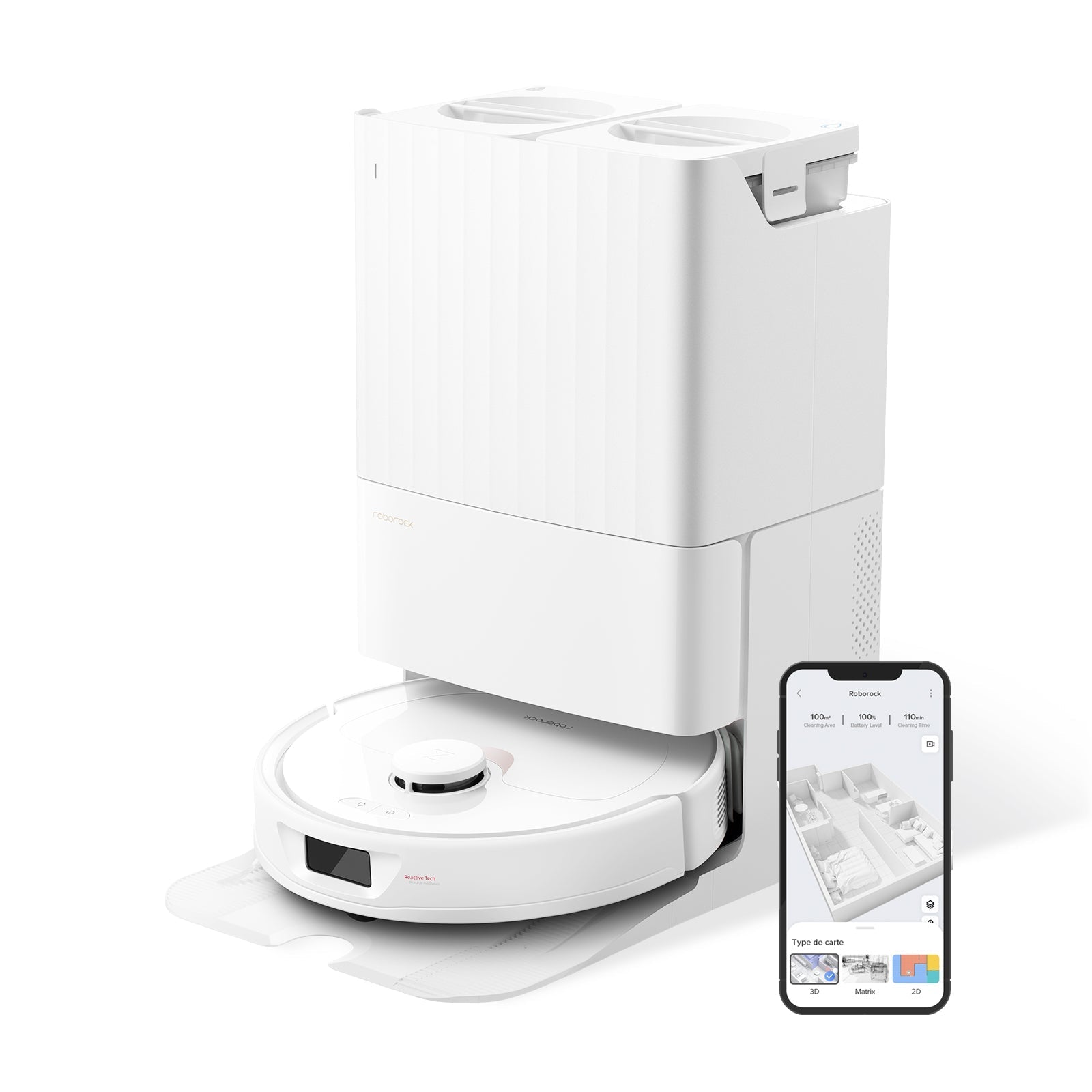
If you have a model with a self-emptying base station — like the S8 MaxV Ultra, Qrevo Curv, or Saros 20 — you also need to maintain the dock's dustbin.
Models with Dust Bags
Most current Roborock docks use disposable dust bags. The 3-liter bag holds roughly 60-120 days of debris depending on your home and cleaning frequency.
- When to replace: The Roborock app will notify you, or check visually — if the bag looks more than 75% full, swap it out.
- Do not reuse bags — Once you pull a dust bag out, it auto-seals. Trying to empty and reinsert it will break the seal and leak dust everywhere.
- Replacement cost: Official dust bags run about $15-$20 for a 6-pack on Amazon.
Dock Filter Maintenance
The dock also has its own filter. On most models, the dock filter is not removable — wipe it gently with a dry cloth when you swap the dust bag. Do not use water on the dock filter unless your manual specifically says it is washable.
Models with Bagless Docks (Cyclone Dustbin)
Some older models use a bagless cyclone dustbin in the dock. For these:
- Remove the cyclone dustbin from the dock.
- Empty it over a trash can.
- The cyclone dustbin can be rinsed with water — remove any filters first.
- Dry completely before reinstalling.
Maintenance Schedule: How Often to Clean What
Here is the schedule we recommend based on testing across dozens of Roborock models:
| Component | Light Use (1-2 rooms, no pets) | Heavy Use (whole house, pets) |
|---|---|---|
| Empty robot dustbin | Every 2-3 runs | After every run |
| Tap out filter (dry clean) | Every 2 weeks | Weekly |
| Wash filter (wet clean) | Monthly | Every 2 weeks |
| Replace filter | Every 3-4 months | Every 2 months |
| Replace dust bag (dock) | Every 90-120 days | Every 45-60 days |
| Wipe dock filter | When swapping bags | When swapping bags |
Pet owners: If you have a dog or cat that sheds, treat yourself as "heavy use" even if you only clean a few rooms. Pet hair clogs filters twice as fast as regular household dust.
Fixing Common Dustbin Problems
The Dustbin Smells Bad
This is almost always caused by moisture trapped inside the bin or filter. Three fixes:
- Dry everything thoroughly — A damp filter or bin breeds bacteria. After washing, wait the full 24 hours before reinstalling.
- Baking soda trick — Sprinkle a pinch of baking soda inside the clean, dry dustbin before your next run. It absorbs odors naturally.
- Check the dirty water tank — If you have a mopping model, the dirty water tank is often the real odor source, not the dustbin. Empty it after every mopping session and add a teaspoon of white vinegar when rinsing. See our guide on fixing Roborock water leaks if the tank is not draining properly.
Suction Feels Weak After Cleaning
If you just cleaned the dustbin and filter but suction is still weak:
- Is the filter completely dry? A damp filter blocks more air than a dirty one. Wait the full 24 hours.
- Check the dustbin inlet — Hair and debris can wrap around the inlet port where the vacuum connects to the dustbin. Clear any blockages.
- Reinstall carefully — An improperly seated dustbin creates air leaks. Push it in until you hear a click.
- Replace the filter — If it has been more than 2 months, a wash will not restore full performance. Get a new one.
If none of this helps, the issue may be with the main brush or side brush — check our brush not spinning troubleshooter for next steps.
"Dustbin Not Installed" Error
Your Roborock shows this error even though the dustbin is clearly in there? Wipe the metal contacts on both the dustbin and the vacuum body with a dry cloth. Dust buildup on the sensor contacts is the most common cause. If the error persists after cleaning, the dustbin may need to be replaced — contact Roborock support.
Pro Tips From Long-Term Owners
- Keep a spare filter in rotation. When you wash one, swap in the spare so you never have to wait 24 hours to vacuum. A two-pack of official filters costs under $20.
- Do not vacuum up liquids. If your Roborock runs over a spill, the moisture gets into the dustbin and filter instantly. Clean both immediately.
- Tap the filter outside, not over the trash can in your kitchen. The fine dust cloud that comes off a HEPA filter is impressive — and you do not want it settling on your countertops.
- Mark your filter replacement date. Stick a small piece of tape on the filter with the installation date. When it hits 2 months, swap it out regardless of how it looks.
Frequently Asked Questions
Can I wash my Roborock dustbin with soap?
No. Roborock recommends water only — no soap, no detergent, no cleaning solutions. Soap residue can clog the fine pores of the filter material, and chemical cleaners may damage the plastic or sensor contacts on the dustbin. Rinse with clean water and dry thoroughly.
How do I know when to replace the filter vs. just cleaning it?
Look at the color and texture. A healthy filter is white or light gray and feels soft to the touch. If your filter is dark gray, feels stiff, or suction does not improve after a thorough wash and 24-hour dry, it is time for a replacement. Roborock recommends every 2 months for regular use, or monthly with pets.
Do I need to clean the dustbin if I have an auto-empty dock?
Yes. The auto-empty dock handles the big stuff, but fine dust still accumulates inside the robot's onboard dustbin and especially on the filter. You still need to tap out or wash the filter every 1-2 weeks. The dock does not clean the filter — only empties the bin.
Why does my Roborock dustbin smell even after cleaning?
The smell usually comes from the filter, not the bin itself. Bacteria and mold grow on damp filter material. Make sure you dry the filter for a full 24 hours after washing. If the smell persists after a thorough clean and dry, replace the filter — it is only $10. For mopping models, also check the dirty water tank and mop pads, which are often the real source.
Can I use a vacuum to clean the Roborock filter?
A handheld vacuum on low suction can help remove loose dust from the filter surface, but it is not a substitute for tapping and brushing. Do not use a high-powered vacuum directly on the filter pleats — it can tear the filter material. Compressed air is a better option for stubborn buildup.