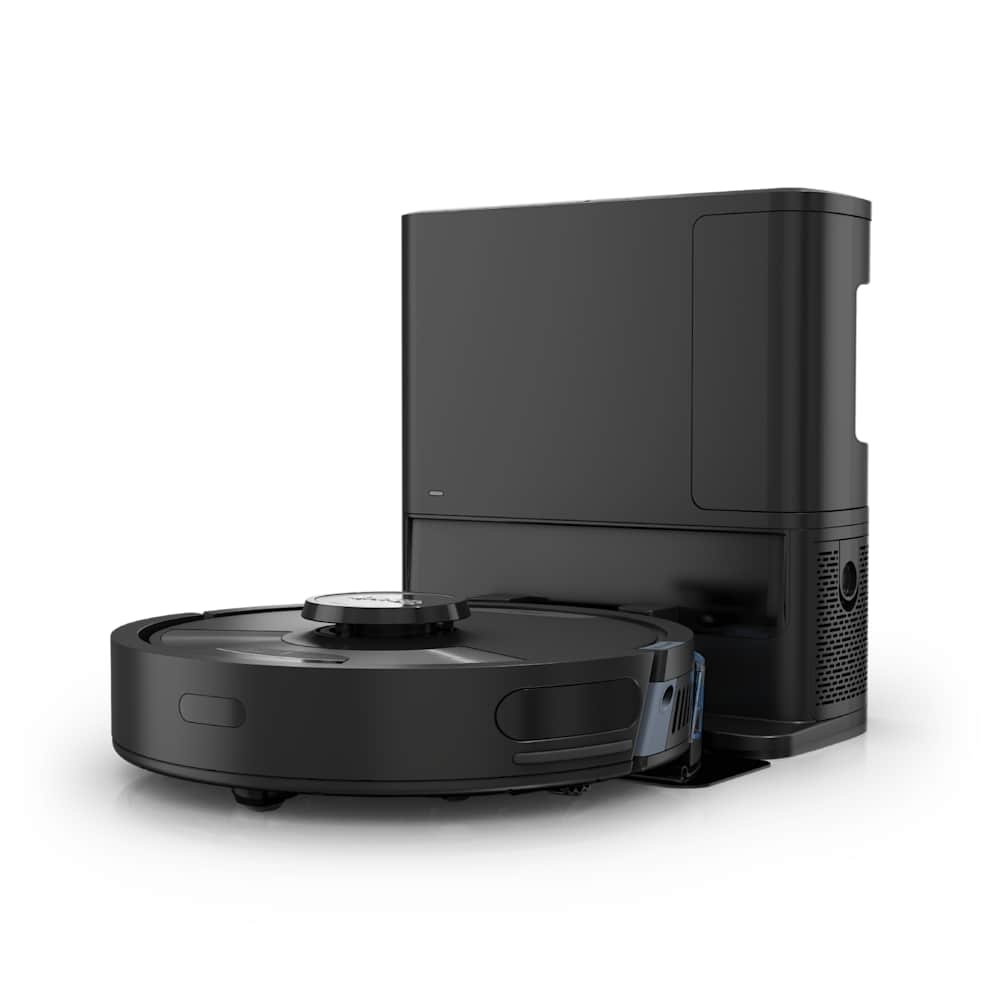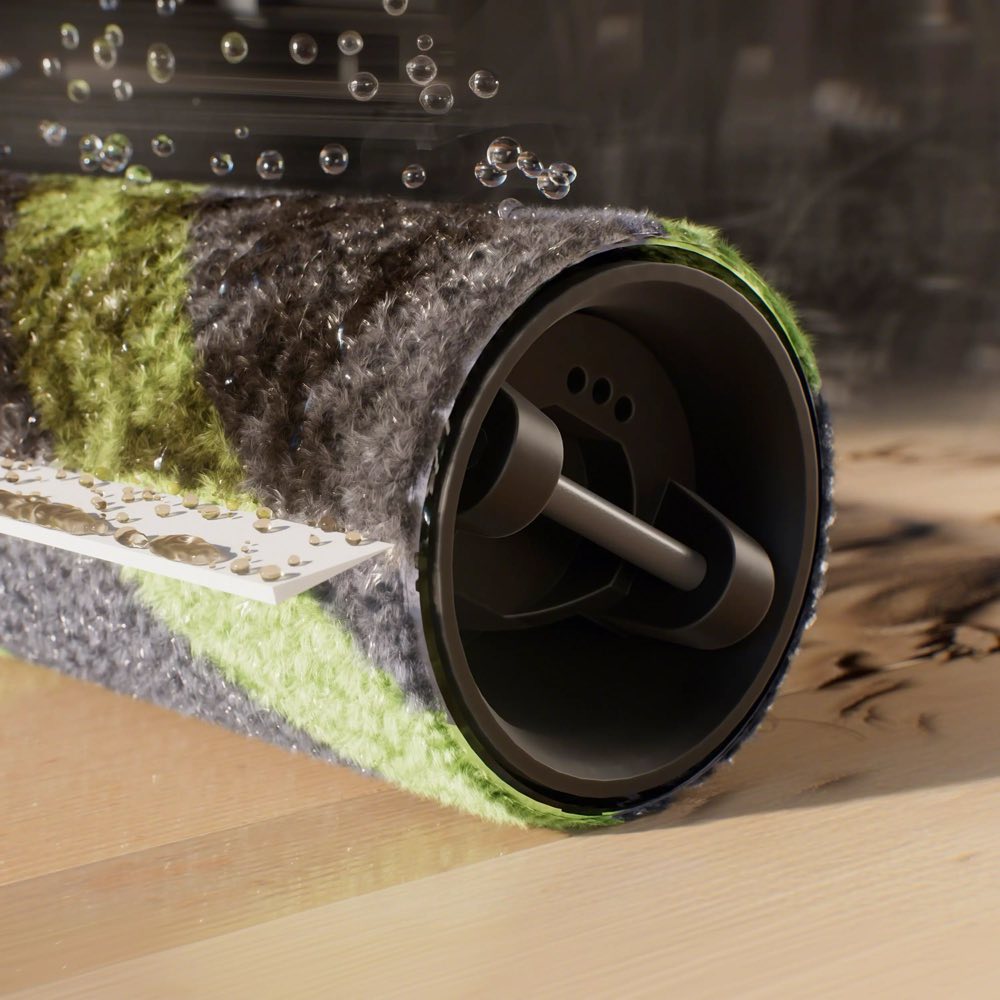
If your Roborock has started making a new or unusual noise, the type of sound almost always tells you exactly where the problem is. Grinding comes from airflow. Rattling comes from loose or foreign objects. Squeaking comes from dry wheel axles. A high-pitched whine comes from the fan motor. Once you match the sound to the cause, most fixes take under five minutes.
This guide diagnoses Roborock noise by the type of sound you are hearing, not by component, so you can skip straight to the fix that actually applies to your robot.
30-Second Summary
- Grinding or roaring? Clogged filter, debris in the fan, or something jammed in the main brush. See Fix #1 and #2.
- Rattling or clanking? Something loose — usually a coin, a pet toy, or a misseated brush. See Fix #3.
- Squeaking or chirping? Dry front caster wheel. Roborock's official fix is 2 drops of olive oil. See Fix #4.
- Loud thumping on hard floors, S7 / S7 MaxV / Q7 owners? The rubber brush splines hitting uneven floor. See Fix #5.
- Louder only after you replaced the brush? The brush is not seated correctly. See Fix #6.
- Last resort: Soft reset, firmware update, warranty claim.
Before You Start: Identify the Sound
This is the single most useful step and most guides skip it. Listen to the robot for 10 seconds with the cover open and the dustbin out. The type of noise narrows the cause to one or two fixes.
| Sound | Likely cause | Jump to |
|---|---|---|
| Grinding, roaring, or straining | Clogged filter, clogged fan, jammed main brush | Fix #1, #2, #7 |
| Rattling, clanking, rolling | Loose debris, coin in dustbin, misseated brush | Fix #3, #6 |
| Squeaking, chirping, squealing | Dry front caster wheel axle | Fix #4 |
| Loud thumping on hard floor | Rubber brush spline on uneven surface (S7/Q7) | Fix #5 |
| High-pitched whine | Fan motor straining against restricted airflow | Fix #1, #7 |
| Weird noise after brush replacement | Brush not installed correctly | Fix #6 |
| Grinding only from wheels | Drive wheel motor failing (warranty) | Fix #9 |
| Constant beeping | Low battery, error code, or pending alert (not a mechanical issue) | Check app |
Also worth doing: pull out the dustbin and shake the robot gently while it is upside down. A surprising amount of the time, the noise is a loose bolt, a small rock, or a piece of plastic that has fallen into the fan housing. This alone resolves maybe 15% of "my Roborock is noisy" complaints.
Fix #1: Clean Debris Out of the Fan Housing (Grinding and Whining)
A grinding or high-pitched whine almost always means the fan is working against a blockage. Either something physical is in the fan chamber, or the filter has clogged enough to make the fan strain.
Quick diagnostic: In the Roborock app, drop the suction mode to Quiet or the lowest available setting. If the grinding mostly stops, the fan motor is fine — the problem is airflow restriction (jump to Fix #7 and clean the filter). If the grinding is still there even on low suction, there is likely physical debris in the fan.
What to do:
- Power off the robot. Never work on it powered on.
- Remove the dustbin and set it aside.
- Flip the robot upside down on a towel.
- Shake it gently and tap the underside while listening — you are trying to dislodge anything small and rattly that may have fallen into the fan exhaust path.
- Shine a flashlight into the dustbin cavity (the hole where the dustbin sits). Look for anything that is not dust — hair clumps, plastic fragments, bits of food.
- Use compressed air to blow out the dustbin cavity from the outside. Spray through the intake slot on the underside and through the exhaust vent on the side.
- Reinstall the dustbin and run a short clean to test.
Cleaners Talk and Roborock's official support both confirm this is the most common cause of a Roborock that suddenly sounds "sick."
Fix #2: Check the Main Brush for Grinding Noises
A main brush with something wedged against it — a strip of cardboard, a rubber band, a piece of wire — will grind against the housing on every rotation and produce a loud, uneven sound. Unlike a stuck brush (which stops turning), a grinding brush keeps spinning but shreds whatever it is rubbing against.
What to do:
- Power off.
- Flip the robot, open the main brush cover, pull the brush out.
- Look at the brush compartment under a flashlight. Pull out any foreign object with tweezers.
- Look at the brush itself — are any of the rubber fins or bristle rows torn? If there is a big chunk missing, the brush is unbalanced and making the noise by itself. Replace it.
- Reinstall the brush and make sure the axles seat into the coupling on one side and the bearing on the other. A brush that is half-seated will clatter loudly against the housing.
Fix #3: Hunt Down the Rattling
Rattling or clanking that comes and goes is almost always loose debris — either inside the dustbin, inside the fan path, or wedged in the bumper seam. It is annoying to track down because the sound moves.
What to do:
- Empty the dustbin completely and check it for coins, screws, small rocks, or pet toy fragments. Wash it out if it looks grimy.
- Reinstall the dustbin, power on, and listen. If the rattle is gone, you had a coin in the bin. You would be surprised how often that happens.
- If the rattle persists, power off and check the front bumper. Press it in and out five times — any debris trapped behind the bumper will rattle as the bumper moves.
- Check the side brush mounting — an improperly tightened side brush screw can vibrate loudly.
- Check the wheel wells with a flashlight for anything loose.
Loose screws inside the chassis are rare but do happen, especially on robots past the 2-year mark or ones that have been dropped. If you can shake the robot and hear something loose inside that you cannot access from the outside, it is likely an internal screw — at that point, the fix is either a warranty claim or a disassembly.
Fix #4: Add Olive Oil to the Front Caster Wheel (Squeaking Fix)
This is Roborock's own official fix, and it is the most underrated troubleshooting trick in the manual. The small swiveling caster wheel on the front underside of the robot dries out after months of use. Once the axle is dry, it squeaks on every hard surface and whines on every turn.
Roborock's official support page for noise issues says: remove the front wheel, clean the shaft, and pour no more than 2 drops of olive oil down the wheel shaft, rotate the wheel to spread the oil, then reinstall.
What to do:
- Power off and flip the robot.
- Locate the front caster wheel (the small swiveling ball or roller on the front center of the underside).
- On most models, the caster pops out with a gentle pull — it is held by friction, not screws. Some models use a clip.
- Wipe the shaft with a dry cloth. Hair often wraps around the base of the shaft — pull it off.
- Apply no more than 2 drops of olive oil (or silicone-based lubricant) to the shaft.
- Rotate the wheel by hand to spread the oil.
- Reinstall — push the wheel firmly back into its slot until it clicks.
- Power on and test.
Why olive oil? It is food-safe, thin enough to penetrate, and does not dry out as quickly as WD-40 or similar mineral-based lubricants. Silicone lubricant is also fine if you have it. Do not use cooking sprays or anything petroleum-based — they attract dust and make the problem worse long-term.
Fix #5: The Rubber Brush Thumping Sound (S7, S7 MaxV, Q7)
This one is model-specific and often mistaken for a mechanical fault. The S7, S7 MaxV, and Q7 series use an all-rubber main brush with molded rubber "splines" across it. On perfectly flat floors it is silent. On hardwood with any unevenness, or on tile with grout lines, the splines slap against the floor on every rotation and produce a loud, rhythmic thumping sound.
This is a design characteristic, not a defect. From the Roborock US forum, multiple owners confirmed the same: "It is from the splines on the main brush hitting the uneven hardwood floor. Nothing is broken, it is just how the rubber brush sounds on that surface."
What to do (if it bothers you):
- Option A: Accept it. The rubber brush is otherwise excellent on hard floors.
- Option B: On S7 and S7 MaxV, swap the rubber brush for the Roborock Q5's bristled brush (about $18 on Amazon). The bristled brush is much quieter on uneven hard floors but trades off some sand pickup performance.
- Option C: Lower the suction mode to reduce the brush rotation speed. The thumping gets quieter.
This fix does not apply to S8, Qrevo, or Saros series — those use a different brush system that does not produce the same sound.
Fix #6: Reseat a Recently Replaced Brush
If the Roborock was quiet before you replaced the main brush and loud after, the new brush is almost certainly not seated correctly. This is the most common reason for "my Roborock is loud after brush replacement" posts.
What to do:
- Power off.
- Remove the new brush.
- Check both ends — there is usually only one way it fits. The motor coupling (on one side) is a specific shape that matches a matching shape on the brush end. The other end has a bearing that should slide in smoothly.
- Slide the brush back in, motor-coupling end first, and push until it clicks into place on both sides.
- Close the brush cover and confirm the latches click.
- Power on. If the brush is correctly seated, the robot should return to its normal quiet operation.
If it is still loud, check that the brush itself is not defective — some third-party replacement brushes are out of spec and rub against the housing no matter how they are installed.
Fix #7: Clean or Replace the Filter
A clogged filter forces the fan motor to work harder. The motor compensates by spinning faster, and that is the high-pitched whine you may be hearing. A clean filter brings the whine back down to normal.
What to do:
- Lift the dustbin out.
- Remove the filter (usually a pleated rectangle on top or at the back of the dustbin).
- Tap it against the trash can for 10 seconds. You will see more dust come out than you expect.
- If it is a washable filter, rinse it under cold tap water (no soap) and let it air-dry for a full 24 hours before reinstalling. A wet filter will damage the motor.
- If the filter is clearly discolored or has been in use for more than 4 months, replace it. Filters cost $8-15 on Amazon.
For the full filter maintenance guide, see our Roborock not picking up debris guide.
Fix #8: Soft Reset and Firmware Update
Rare but real: firmware can change the fan motor's calibration or voltage curve, and a bad update can make the robot run noticeably louder until it is patched. This only happens after a firmware update, not out of nowhere, but if the timing matches, this is worth trying.
What to do:
- Put the robot on its dock.
- Press and hold the power button for about 10 seconds until it powers down.
- Wait 5 seconds, then press the power button to turn it back on.
- Open the Roborock app → tap your robot → settings gear → Firmware Update. Install anything pending.
- Run a clean and compare the noise level.
Fix #9: Grinding From the Drive Wheels (Warranty Territory)
If the noise is clearly coming from one of the two large drive wheels — not the main brush, not the fan — and you have already checked the wheel for hair and debris, the wheel motor is failing. This is uncommon but it does happen, especially past the 2-year mark.
Confirm it is a drive wheel:
- Power off and flip the robot.
- Spin each drive wheel by hand. Both should turn with equal resistance and no grinding feel.
- If one wheel grinds when turned by hand, or extends and retracts unevenly on its suspension, that wheel is the source.
Fix it:
- Inside warranty: file a claim through the Roborock app. Attach a 10-second video of the noise. Roborock's standard US warranty is 1 year; some flagship models have had promotional extended warranty offers.
- Out of warranty: a new drive wheel module runs $30-60 on Amazon depending on the model, and replacement is a 30-60 minute job with a Phillips screwdriver. Weigh this against the cost of a new mid-range robot.
Maintenance Schedule That Keeps the Robot Quiet
| Interval | What to do |
|---|---|
| Weekly | Pull hair off the main brush axles. Check under the side brush. |
| Weekly | Tap the filter clean over the trash. |
| Monthly | Spin the front caster wheel by hand — if it feels rough, add 1-2 drops of olive oil. |
| Monthly | Shake the robot gently upside down to dislodge anything that might have fallen into the fan path. |
| Every 2-4 months | Replace the filter. |
| Every 6-12 months | Replace the main brush and side brush. |
Frequently Asked Questions
Why is my Roborock suddenly so loud?
In most cases, it is either a clogged filter or debris that has fallen into the fan chamber. Drop the suction mode to the lowest setting and listen — if the noise drops significantly, the filter is the problem. If the grinding persists on low suction, shake the robot upside down to dislodge any loose debris from the fan path. Clean or replace the filter and check the main brush for wedged foreign objects. These three steps resolve the vast majority of sudden noise complaints.
Why is my Roborock squeaking?
A squeaking Roborock almost always means the front caster wheel axle has dried out. Roborock's own official support recommends removing the caster wheel, cleaning the shaft, and applying no more than 2 drops of olive oil (or silicone lubricant), then rotating the wheel to spread the oil and reinstalling. Do not use WD-40 or cooking sprays — they attract dust and make the problem worse long-term.
Is it normal for a Roborock to thump on hardwood floors?
If you own an S7, S7 MaxV, or Q7, yes — the all-rubber main brush on these models has molded rubber splines that slap against uneven hard floors on every rotation, producing a rhythmic thumping sound. It is a design characteristic of the rubber brush, not a defect. Multiple owners have confirmed this on the Roborock forum. If it bothers you, swap the stock rubber brush for the Roborock Q5's bristled brush (about $18) — it is much quieter on uneven hard floors. This does not apply to S8, Qrevo, or Saros models.
Why is my Roborock loud after I replaced the main brush?
The new brush is almost certainly not seated correctly. Pull it out and reinstall it — there is usually only one correct orientation, and one end has to engage the motor coupling while the other end has to sit in a bearing. Make sure the brush cover clicks shut on both sides. If it is still loud after reseating, the replacement brush itself may be out of spec, which is common with cheap third-party brushes. Swap in a genuine Roborock brush or the spare that came with the robot to confirm.
When is a noisy Roborock a warranty issue?
If the noise is coming from the suction motor or one of the drive wheels, and you have already cleaned the filter, the fan housing, and the wheels, then the motor has failed and the fix is a warranty claim or a replacement part. File the claim through the Roborock app and attach a short video of the noise — it speeds up the process significantly. Standard US warranty is 1 year; some flagship models have had extended-warranty promotional offers, so check your receipt.
For related fixes, see our guides on Roborock brush not spinning, Roborock going in circles, and Roborock not picking up debris. For a look at how we measure noise in our reviews, see how we test.