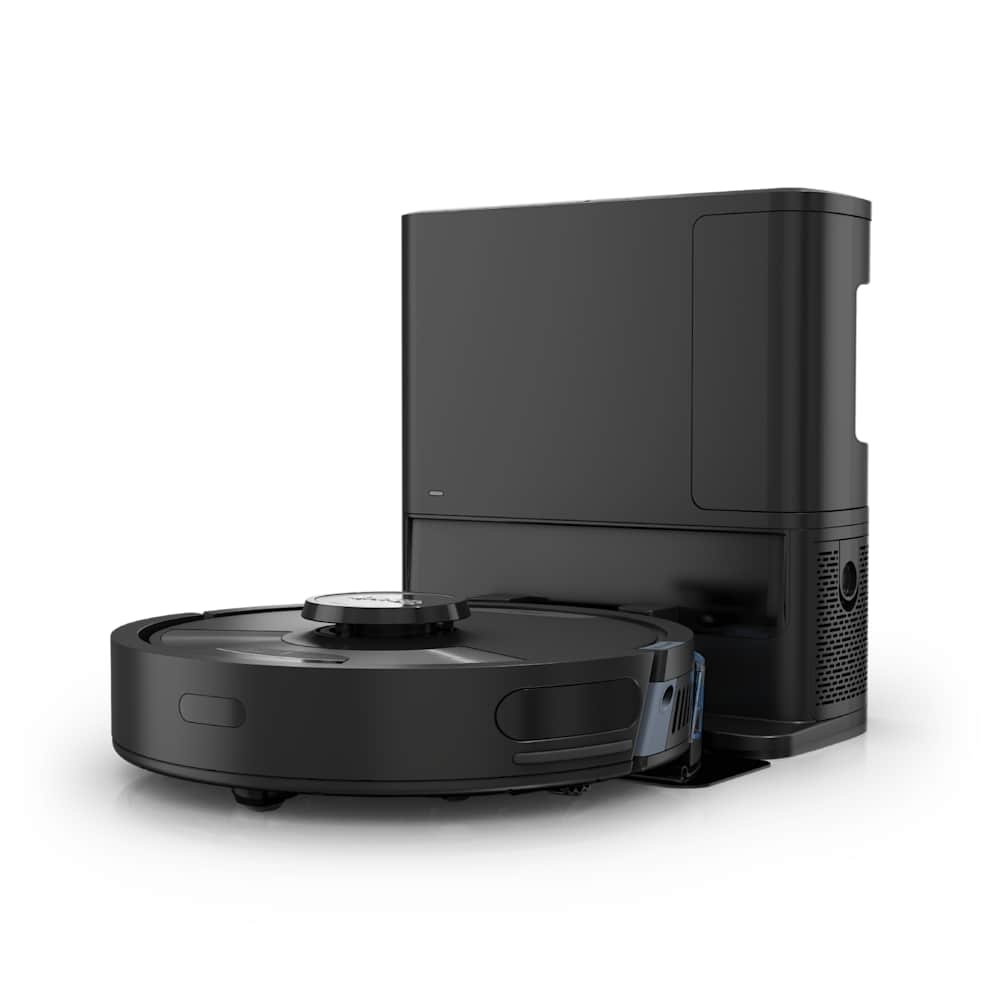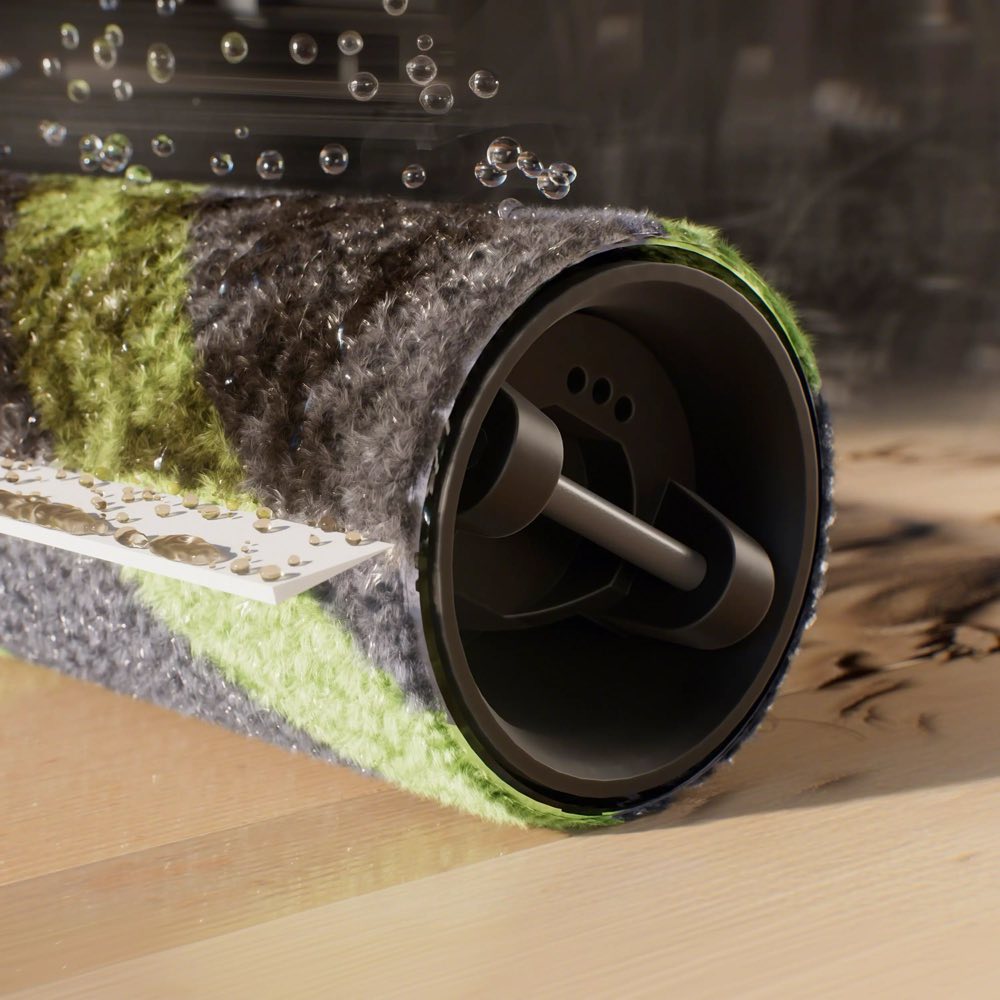
If your Roborock's main brush or side brush has stopped spinning, the cause is almost always mechanical — hair wrapped around an axle, debris jammed in the housing, or the robot's overheat protection tripping after you ignored a tangle for too long. A genuinely dead brush motor is rare, usually appears past the 2-year mark, and requires either a warranty claim or a $15-40 part swap.
This guide walks both the main brush and the side brush, in the order of fixes most likely to solve it, so you can be back up and running in under ten minutes.
30-Second Summary
- Main brush stopped? 90% of the time it is hair wrapped around the end bearings, not the motor. See Fix #1.
- Side brush stopped? Usually fine gunk packed under the side-brush housing. See Fix #5.
- Error 5 in the app → main brush is blocked. Error 17 → side brush has stopped rotating.
- Do not keep running the robot with a seized brush. The motor will overheat trying to spin a stuck brush, and that is the one scenario that turns a $0 fix into an $80 repair.
- Last resort: A soft reset, a firmware update, or warranty claim for a dead motor.
Before You Start: Which Brush Stopped?
First, figure out which brush is the problem — the fixes are different.
- The long cylindrical brush under the center of the robot is the main brush. It agitates carpet and sweeps debris toward the suction intake.
- The small 3-arm or 5-arm spinning wheel at the front corner is the side brush. It sweeps edges and corners into the main brush's path.
Flip the robot over, start a clean, and look. If the main brush is not turning, jump to Fix #1. If the side brush is not turning, jump to Fix #5. If neither is turning, start with Fix #1 — sometimes the safety cutoff on the main brush motor also stops the side brush as a protective measure.
Also check the app for an error code:
| Error | What it means |
|---|---|
| Error 5 | Main brush is blocked or the motor is overheating. |
| Error 17 | Side brush has stopped spinning. |
| (no error) | The brush may still be spinning in short bursts before stopping again — overheat protection. Go straight to Fix #1. |
Main Brush Fixes
Fix #1: Pull Hair Off the Main Brush Axles (Fixes 90% of Cases)
Hair and thread wrap around the thin axle at each end of the main brush. Once wrapped, the axle cannot turn, the brush stops, and the robot throws Error 5. The brush itself often looks fine from the top — you have to remove it and look at the ends to see the problem.
What to do:
- Power the robot off. This is important — never work on a brush with the power on.
- Flip the robot over.
- Find the main brush cover (the rectangular plastic panel). Squeeze the two tabs on either side and lift the cover off.
- Pull the main brush straight out. It lifts free — do not twist.
- Look at both ends of the brush. Each end has a thin axle that fits into the motor coupling on one side and a bearing on the other. This is where hair lives.
- Use scissors to slice through any hair wrapped around the axles, then slide the tangle off. Wear gloves if it is gross (and it usually is, if you have not cleaned it in months).
- Check the motor coupling inside the robot — the plastic or metal shaft that turns the brush. Pull any visible hair off it with tweezers.
- Check the other side's bearing housing for debris.
- Wipe the brush compartment with a dry cloth.
- Put the brush back in — make sure the axles seat fully into the coupling and bearing. Close the cover.
Turn the power back on and run a clean. If the brush spins normally, you are done.
As a preventive, do this every week. It takes two minutes and eliminates almost every Error 5 before it happens.
Fix #2: Check for Debris Lodged in the Housing
Sometimes the brush itself is clean but there is a foreign object jammed behind it — a piece of cardboard, a coin, a pet toy fragment. Shine a flashlight into the brush compartment after removing the brush and look for anything that is not dust.
Pull anything out with tweezers. Do not run the robot with foreign objects in the brush housing; they can damage the motor coupling or wedge deeper during rotation.
Fix #3: Let the Motor Cool Down (Overheat Protection)
Roborock's main brush motor has built-in overheat and overcurrent protection. If the brush has been struggling against a heavy tangle for a while — or if you just removed a huge wad of hair — the motor's thermal sensor may have tripped and locked the motor until it cools down. The robot will look fine otherwise, but the main brush will refuse to spin.
What to do:
- Power the robot off.
- Leave it alone for 15-20 minutes. Do not dock it, do not run it.
- Power it back on and start a clean.
If the brush spins normally now, the overheat cutoff was the issue. Watch it during the next few cleans — if it cuts out again, there is still something creating extra resistance. Go back to Fix #1 and check more carefully.
One owner on the Roborock forum described this exact pattern: "It would spin for 30 seconds, stop, throw Error 5, I would clean it and restart, and the cycle repeated. Turned out there was still a single thread wrapped around the bearing that I kept missing." Check every hair, every thread, every time.
Fix #4: Reseat or Replace the Main Brush
If the brush is clean, the housing is clean, the motor has cooled down, and it still will not spin, try these in order:
Reseat the brush. Pull it out and push it back in, paying attention to the orientation — there is usually only one way it fits, and a backward brush will not engage the motor coupling. Check the manual or look for an arrow or asymmetry on the brush itself.
Try an old brush, if you have one. Sometimes a new brush's axles are slightly warped from shipping or the rubber fins have deformed. Sliding in the spare brush that came with the robot will tell you in five seconds whether the issue is the brush or the motor.
Replace the brush. If it has been more than 6-12 months since the last replacement, the rubber or bristle fins are worn down, the axles may be scored, and the bearings can seize. A new genuine Roborock main brush runs $15-25 on Amazon. Cheap third-party brushes work but tend to wear faster and fit looser.
Side Brush Fixes
Fix #5: Clear Gunk From Under the Side Brush
The side brush spins on a small motorized post. Fine dust, sock fluff, and hair pack into the tiny gap between the base of the brush and the robot body. Once the gap is clogged, the side brush drags and eventually stops, throwing Error 17.
What to do:
- Power the robot off.
- Flip it over and locate the side brush on the front corner.
- Unscrew the Phillips screw in the center of the side brush. Set the screw and the brush aside where you will not lose them.
- Look at the exposed post and the round recess it sits in. You will see a ring of compacted dust and hair — this is the culprit.
- Use a dry cloth or a cotton swab to wipe the recess clean. Use tweezers for anything that is wedged in. Compressed air is excellent for blowing out fine dust you cannot reach.
- Spin the motor post by hand. It should turn freely with no grinding.
- Put the side brush back on — make sure it seats flat, not angled — and screw it down snugly but not overtight.
This is the fix that resolves the vast majority of side brush complaints, and it is preventive: do it monthly and you will never see Error 17.
Fix #6: Untangle Hair From the Side Brush Arms
If the side brush's individual arms are tangled with hair or bent out of shape, the brush looks like it is spinning but is actually catching on the floor on every rotation, and the motor's overcurrent protection trips.
What to do:
- Remove the side brush as in Fix #5.
- Cut any hair away from the center of the brush with scissors.
- Look at each arm. If any arm is bent, kinked, or cracked, the brush needs to be replaced — you cannot straighten it reliably and a bent arm will keep causing the same fault. Replacement side brushes are $4-8 for a multi-pack.
- Reinstall.
Fix #7: Manual Rotation to Free a Stuck Side Brush
This is a forum-tested trick for intermittent side brush faults that will not go away with cleaning. While the robot is stopped but powered on:
- Pause the current clean in the app.
- With the robot still on, spin the side brush rapidly clockwise and counterclockwise several times by hand.
- Resume the clean.
Why it works is not entirely clear — it seems to reset the motor's internal sensor or dislodge a piece of debris that cleaning missed. It is not a long-term fix, but it buys you time to finish a clean while you figure out the root cause.
If Neither Brush Works
Fix #8: Soft Reset the Robot
Rare but real: a firmware glitch can cause both brushes to stop responding even though the mechanical parts are fine. A soft reset clears the running state.
- Put the robot on its charging dock.
- Press and hold the power button for about 10 seconds until the robot fully powers down.
- Wait 5 seconds, then press the power button briefly to turn it back on.
- Start a fresh clean.
Fix #9: Update the Firmware
Some older firmware versions have known bugs where brush faults trigger incorrectly or the overheat cutoff does not reset after cooldown. Open the Roborock app → tap your robot → settings gear → Firmware Update. Install any pending updates and restart.
Fix #10: When It Is Actually a Dead Motor
If every fix above has failed and the brush is physically free to turn by hand, the motor itself has failed. Symptoms of a dead main brush motor:
- The brush spins freely when you turn it by hand, but makes no sound and no movement when the robot starts.
- The app throws Error 5 immediately, before the robot has run long enough to overheat.
- You can hear the suction motor running but not the brush motor.
Symptoms of a dead side brush motor:
- The side brush is clean and moves freely by hand.
- The brush sometimes spins and sometimes does not, or spins in brief bursts.
- You get Error 17 even after clearing every piece of debris.
Options:
- Inside warranty: File a claim through the Roborock app under Support → Contact Us. Attach a 10-second video of the fault. Roborock's standard US warranty is 1 year from purchase; some flagship models have promotional extended warranty offers.
- Out of warranty, side brush motor: iFixit has free step-by-step replacement guides for most Roborock models. The Q5 Side Brush Motor Replacement guide is typical — the replacement motor runs $10-25 and the job takes about 30 minutes with a Phillips screwdriver.
- Out of warranty, main brush motor: More involved. The main brush motor sits deeper in the chassis and usually requires removing the bottom cover and a circuit board. For most owners past the 2-year mark, a new mid-range Roborock is a better spend than a motor rebuild.
Do Not Do This: The Mistake That Kills Motors
Never keep running the robot when the brush is visibly stuck. The single biggest cause of permanent motor damage is owners who ignore Error 5, clear the error, and restart the clean without actually fixing the tangle. Each time, the motor strains against the stuck brush, heat builds up, and eventually the motor windings fail.
If you see a brush error more than twice during the same clean, stop, power off the robot, and actually open the brush compartment. Do not just tap "clear error" and keep going.
Maintenance Schedule That Prevents This
| Interval | What to do |
|---|---|
| Weekly | Pull hair off the main brush end axles (the #1 preventive). |
| Weekly | Remove hair from the side brush. |
| Monthly | Unscrew the side brush, clean the recess underneath, compressed-air the motor post. |
| Monthly | Check the main brush motor coupling for wrapped hair. |
| Every 6-12 months | Replace the main brush. |
| Every 6 months | Replace the side brush (or sooner if arms are bent). |
Owners who stick to this almost never see a brush error. Owners who skip the weekly axle check are the ones on forums asking why their motor died at the 18-month mark.
Frequently Asked Questions
Why is my Roborock main brush not spinning?
In about 90% of cases, hair is wrapped around the thin axle at one end of the main brush. The brush looks fine from the top but cannot turn because of the tangle at the ends. Pull the brush out, look at both ends, cut away any hair, and reinstall. If it still does not spin after that, let the motor cool for 15-20 minutes in case the overheat cutoff has tripped, then try again. A genuinely dead motor is rare and usually happens only after months of running the robot with a partially stuck brush.
What does Error 5 mean on a Roborock?
Error 5 means the main brush is blocked. According to Roborock's official support, the fix is to remove the main brush, check for anything tangling it up — including inside the two brush installation slots and at either end of the brush — and reinstall it. If the error returns immediately after cleaning, the motor's overheat protection is likely still active. Power the robot off for 15-20 minutes and try again.
Why is my Roborock side brush not spinning?
Almost always, it is fine dust and hair packed into the tiny gap between the base of the side brush and the robot body. Unscrew the side brush with a Phillips screwdriver, wipe the recess underneath clean, spin the exposed motor post by hand to confirm it turns freely, and reinstall. This single fix resolves most Error 17 cases. If the brush still does not spin, check for bent arms on the brush itself, or try the manual rotation trick (Fix #7).
How often should I clean the Roborock main brush and side brush?
Pull hair off both brushes weekly. Do a deeper clean — unscrewing the side brush and wiping the recess beneath it — monthly. Replace the main brush every 6-12 months and the side brush every 6 months (or sooner if the arms get bent). Owners who stick to this schedule almost never see brush errors; owners who wait until the brush "looks bad" are the ones whose motors die early.
Can I repair a Roborock brush motor myself?
Yes, if you are comfortable with electronics and a Phillips screwdriver. iFixit has detailed guides for side brush motor replacement on most Roborock models — it is a 30-minute job with a $10-25 part. Main brush motor replacement is more involved and usually requires disassembling the bottom cover, so it is best only if the robot is already out of warranty and you are confident. For most owners past the 2-year mark, replacing the entire robot with a newer mid-range model makes more sense than rebuilding the old one.
If this guide helped, see our related fixes for Roborock not picking up debris, Roborock going in circles, and Roborock not returning to dock. For a look at how we test brushes in our reviews, see how we test.