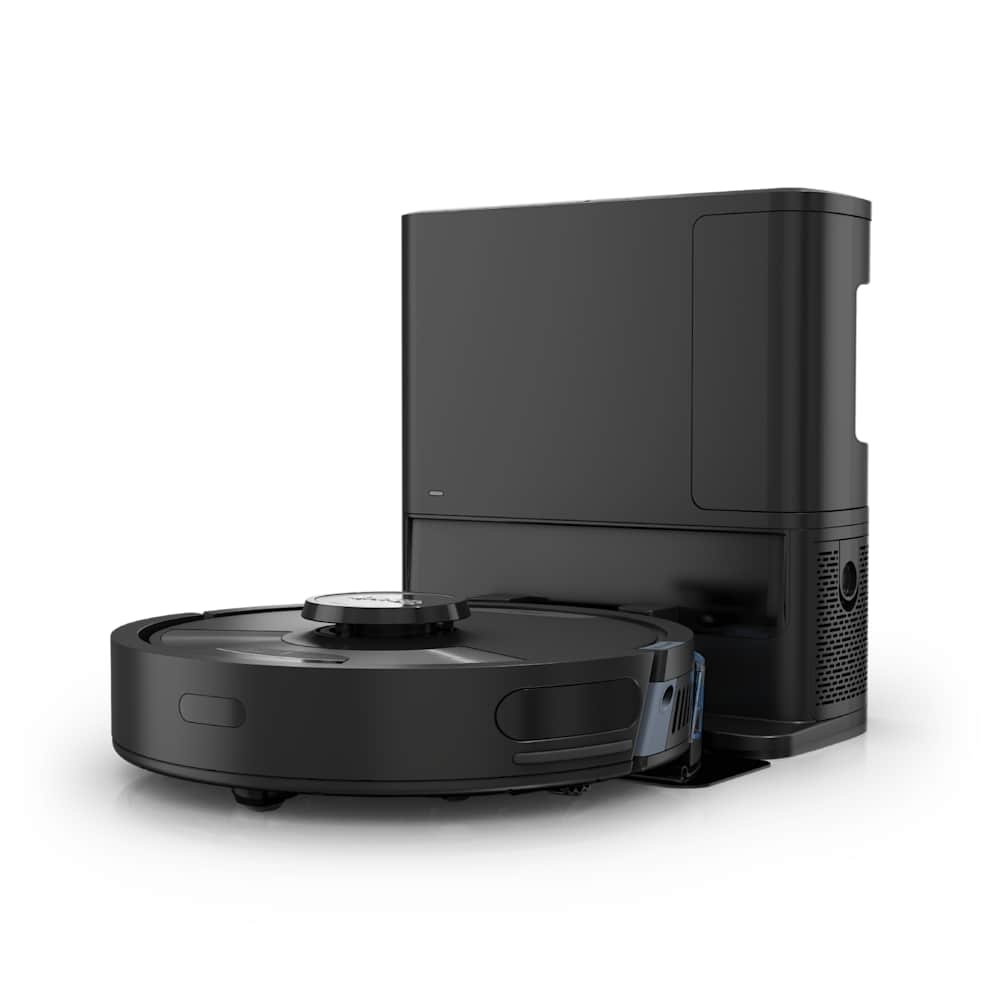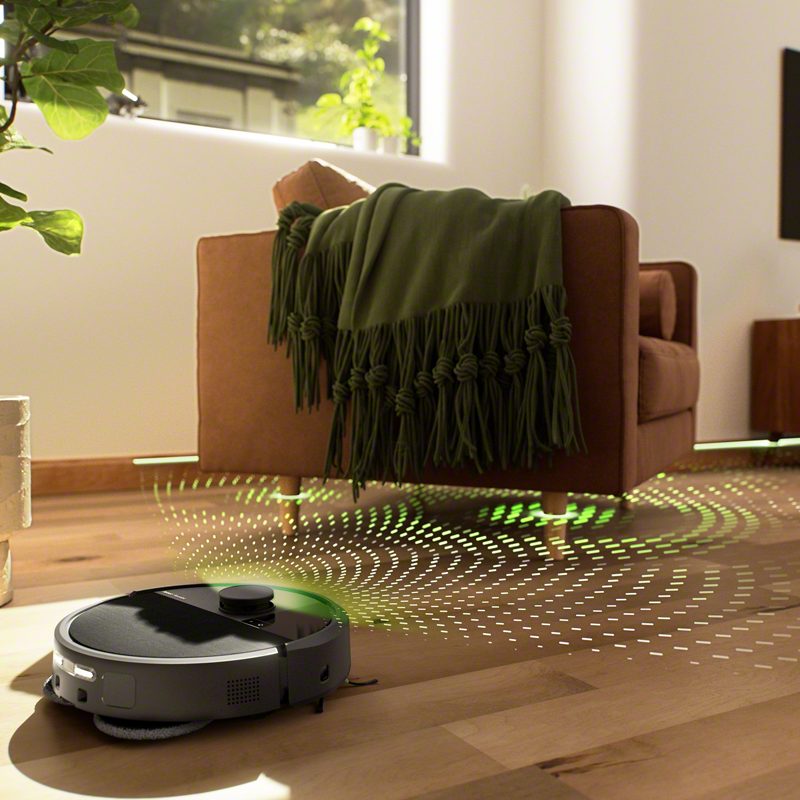
If your Roborock is pushing debris around instead of picking it up, the cause is almost always one of three things — a packed dustbin, a clogged filter, or a tangled main brush. In nine out of ten cases, fifteen minutes of maintenance brings the suction back. A dead motor is rare, and you should not assume it until you have worked through the checks below.
This guide walks the fixes in order of how likely they are to be the culprit, so you spend the least time possible before the robot is cleaning properly again.
30-Second Summary
- Most likely fix: Empty the dustbin, tap the filter, pull hair off the main brush. That is 70% of cases.
- Second most likely: A clogged intake port or exhaust screen you have never cleaned.
- Model-specific trap: S7 / S7 MaxV / Q7 owners with pets — the stock rubber brush is the problem, not your suction.
- Last resort: If Fix #1 through Fix #10 do nothing, contact Roborock support. A motor failure inside warranty is a free replacement.
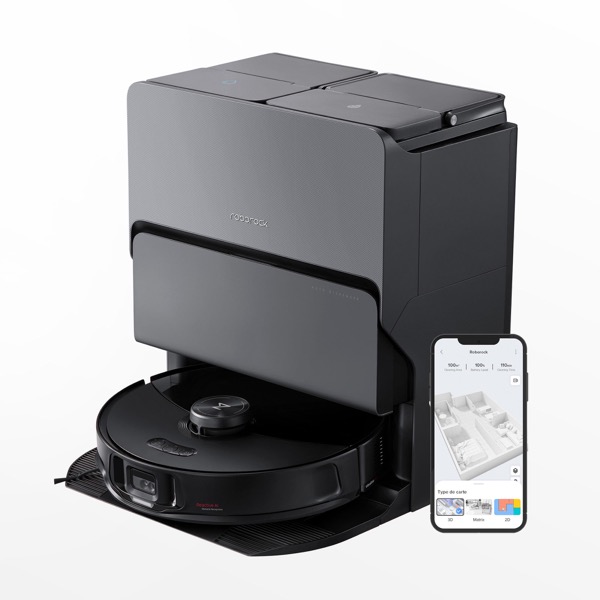
Before You Start: A 2-Minute Diagnosis
Do this first — it tells you which fixes to try and which to skip.
- Flip the robot over. Spin the main brush with your finger. Does it turn freely? If no, jump to Fix #3. If it turns but also rattles or wobbles, it is worn — Fix #3 still applies, plus a replacement.
- Start a clean in Max mode on an empty hard floor with a handful of oats or rice scattered in front of it. Listen. If the motor sounds strong and fast but nothing enters the bin, the pickup path is clogged (Fix #5, #6, #9). If the motor sounds weak or muffled, the filter or dustbin is the problem (Fix #1, #2).
- Check the app for error codes. Error 9 means the dustbin is full or the air path is blocked, and Error 10 means the filter is wet — both point you straight at the likely fix. If you see anything else, Google the exact number; Roborock's error list covers most failure modes.
If it is a dock problem and not the robot at all, skip ahead to Fix #10.
Fix #1: Empty the Dustbin (5 Seconds)
This is the one everyone forgets. A dustbin that looks half full is often the problem — once debris piles up to the intake slot, nothing else can get in. The robot will keep cleaning and you will swear it has stopped working.
On models with an auto-empty dock (S8+, Qrevo, Saros series), the dock is supposed to handle this for you. It does not always work — see Fix #10.
What to do: Pull the dustbin out, dump it, tap it against the trash can until the inside walls are visibly clean. Wipe the intake slot with a dry cloth.
Fix #2: Clean or Replace the Filter (2 Minutes)
A clogged filter strangles airflow long before the bin is full. You will see reduced pickup, and on Max mode the robot will sound louder than usual as the motor strains against the restriction.
Roborock's official support page recommends cleaning the filter weekly and replacing it every 2 to 4 months. If you have pets or allergies, halve that — the filter loads up with fine dander much faster than Roborock's baseline assumes.
Cleaning steps:
- Lift the dustbin out. The filter is the pleated rectangle on top or at the back, depending on model.
- Tap it against the trash can for ten seconds. You will see far more dust come out than you expect.
- If it is a washable filter (check the label — not all are), rinse under cold tap water only, no soap, no scrubbing. Shake it out and let it air-dry for 24 hours. Wet filters in a running vacuum break the motor.
- Hold it up to a light. If you can still see dust caked into the pleats after cleaning, or the plastic frame has warped, replace it.
One Reddit owner summed it up: "I tapped my filter every week for a year and thought it was fine. Then I replaced it and the Roborock picked up twice as much on the first run. Tapping only gets the top layer."
Fix #3: Untangle the Main Brush (5 Minutes)
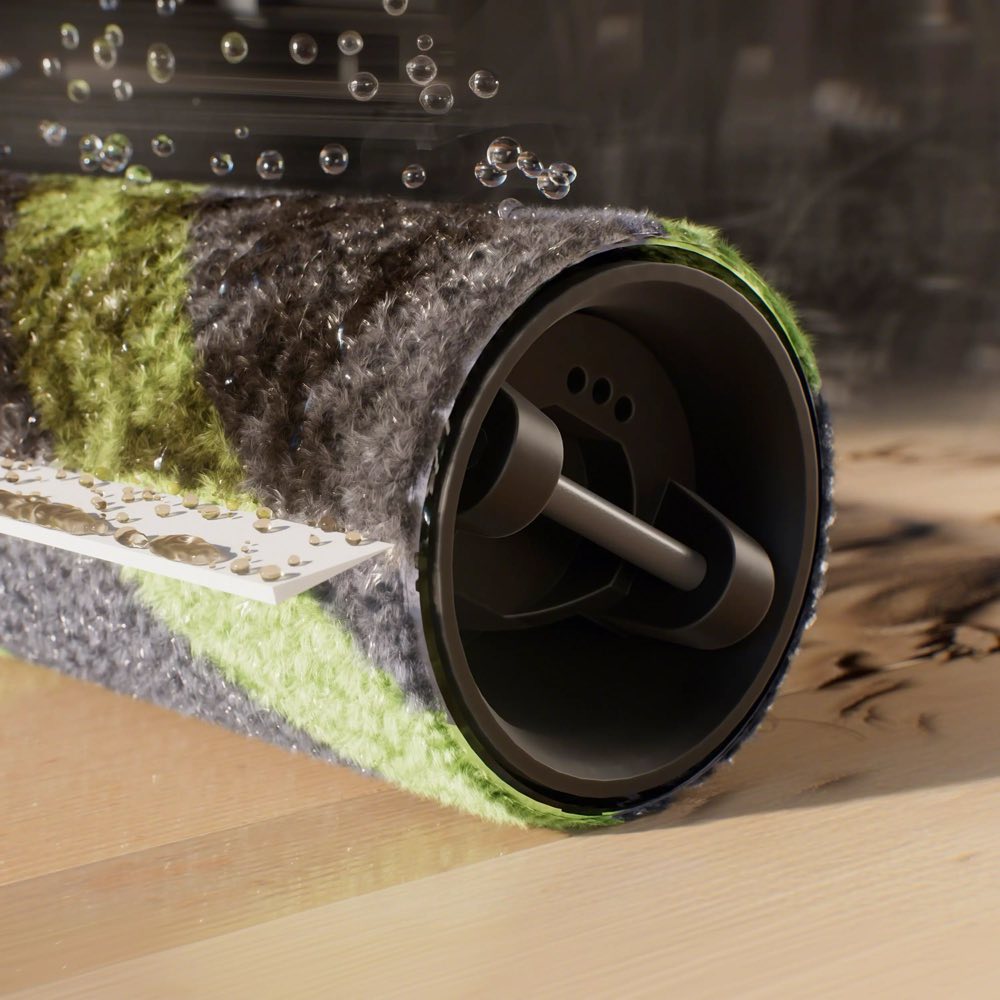
Hair, thread, and carpet fibers wrap around the main brush and, more importantly, around the small axles at each end. Once the axle is bound up, the brush stops spinning even though it looks fine from the top. No brush rotation means no carpet agitation, and most debris gets rolled over instead of lifted.
What to do:
- Flip the robot and release the brush cover (usually two tabs).
- Lift the main brush out. Pull visible hair off by hand.
- Look at the two ends of the brush. This is where the real tangle lives. Use scissors to slice through any hair wrapped around the axles, then slide it off. If it has been months, expect a dense wad.
- Wipe the brush compartment with a dry cloth — dust collects here and slows the roller.
- Spin the brush with your finger before reseating it. It should rotate smoothly and silently.
Clean it weekly, replace it every 6 to 12 months. After a year of heavy use, even a clean brush has lost most of its bristle stiffness and will not agitate carpet effectively — that alone can cut pickup in half.
Fix #4: Clean the Side Brush
The side brush sweeps debris into the path of the main brush. When it is bent, worn, or jammed with hair, debris never reaches the suction intake in the first place, so it looks like a suction problem when it is really a delivery problem.
Unscrew the side brush (one Phillips screw on most models), strip the hair, and check the arms — if any arm is bent or cracked, the sweep pattern is broken and you need a replacement. Side brushes are cheap (usually $4 to $8 for a multi-pack).
Fix #5: Clear the Intake Port and Air Duct
This is the fix most guides skip. Debris — especially large items like a stray sock, a dryer sheet, a child's small toy — can lodge inside the suction channel between the brush compartment and the dustbin. Once something is wedged in there, airflow collapses completely and nothing new gets in.
What to do:
- Remove the dustbin.
- Shine a flashlight into the hole where the dustbin sat. You are looking into the exit side of the air duct.
- On the underside, look at the intake slot between the main brush compartment and the bin. On Roborock's Saros 10R and other anti-tangle models, Vacuum Wars specifically warns that debris can jam between the DuoDivide brushes and block the intake — check there carefully.
- If you see anything non-dust in the duct, use long tweezers or a chopstick to pull it out. Do not push it deeper.
- A can of compressed air, sprayed through the intake, dislodges finer clogs you cannot see.
Fix #6: Blow Out the Exhaust Port Screen
This is the power-user fix, and it works when nothing else has. On the side of the dustbin cavity, there is a small mesh screen where the motor exhausts air. Dust and fine lint build up against this screen over time. You cannot see it without a flashlight, and tapping the filter does nothing to clean it.
Grab a can of compressed air. Spray it into the exhaust port from the outside of the robot, and then again into the mesh screen from the inside. You will see a surprising amount of gray fuzz come out. Multiple S7 and Q7 owners on forums credit this single step with restoring suction to like-new.
It is worth doing once every few months as preventive maintenance, whether or not you are having problems.
Fix #7: Set Suction to Max in the App
Sounds obvious, but many Roborocks ship with the default cleaning mode set to Balanced, which is around half the rated suction. If you have never changed it, you have been running the robot at half power since day one.
Open the Roborock app → select your robot → tap the suction icon → choose Max or Max+. On some models Max+ is battery-hungry, so start with Max. While you are there, enable Carpet Boost (or "Adaptive Carpet Boost" on newer models) — this makes the robot switch to max power automatically when it detects carpet.
One more setting worth checking: on the Roborock app, enable two passes for cleaning. Many owners report that a single pass leaves fine debris behind, while two passes in alternating directions fixes it without any hardware change at all.
Fix #8: The Pet Hair Problem on S7, S7 MaxV, and Q7
This one is model-specific and rarely gets called out. The S7, S7 MaxV, and Q7 series ship with Roborock's newer all-rubber brushroll. Rubber is excellent for sand, flour, crumbs, and fine dust. It is genuinely bad at lifting pet hair off carpet.
If you have a dog or cat and you own one of these models, the problem is not your suction — the brush design is wrong for your use case. Smart Robot Reviews documented the exact fix: swap the stock brush for the Roborock Q5's bristled brush. The Q5 brush is slightly thinner than older S-series bristled brushes, which is what makes it the only bristled option that fits the S7 chassis. It runs around $18 on Amazon.
Expect a step-change improvement in carpet pet-hair pickup. The trade-off: slightly worse sand performance and a brush that will tangle more than the rubber one, so you will need to clean it weekly instead of monthly.
This fix does not apply to S8, S8 Pro Ultra, S8 MaxV Ultra, Qrevo series, or the Saros line — those models use a different brush system and do not have the same problem.
Fix #9: Check the Sensors
Dirty optical and cliff sensors do not directly reduce suction, but they can make the robot skip areas, drive patterns that miss debris, or slow down in a way that looks like poor pickup. If Fix #1 through #8 did not help and the robot is still missing debris in specific spots, the sensors are worth cleaning.
Use a dry microfiber cloth on the camera lens and LiDAR turret. For the small cliff sensors on the underside (little glass dots near the edge), a cotton swab with a drop of isopropyl alcohol works well. Let everything dry before starting a clean.
Fix #10: Auto-Empty Dock Not Emptying
If you have a dock with auto-empty (S8+, Qrevo, Saros, etc.) and the robot's bin is always full at the start of a clean, the dock itself is the problem — not the robot. A full robot bin will always look like weak pickup, because new debris has nowhere to go.
Common causes:
- The dock dust bag is full. Replace it. Even the "high-capacity" bags fill in 4-6 weeks with daily use.
- The transfer tube is clogged. On most models, there is a rubber accordion tube between the robot and the dock. Pull the robot away, look inside the dock opening with a flashlight, and clear anything visible.
- The dock seal is dirty. Wipe the black rubber ring on the top of the dock where the robot docks — even a thin layer of dust breaks the vacuum seal during the transfer cycle.
- The auto-empty filter is clogged. Some docks have their own filter separate from the robot's. Check the manual for your model — for the S8+ dock it is behind the dust bag compartment.
Fix #11: When It Is Actually a Dead Motor
If every fix above has failed, and the robot sounds weak or makes no suction sound at all in Max mode even with an empty bin and a clean filter, the suction motor itself has failed. This is uncommon — it happens in maybe 1-2% of cases — but it does happen, especially past the 2-year mark.
Before assuming a dead motor, do one last test: remove the dustbin entirely and hold your hand over the intake hole while the robot is running in Max mode. You should feel strong, steady suction. If you feel nothing or only a weak pull, the motor or its seal is the problem.
At that point, stop taking it apart. Open the Roborock app, find the Contact Support option, and file a warranty claim. Roborock's standard warranty in the US is 1 year from purchase, and some flagship models like the S8 MaxV Ultra have run promotional extended-warranty offers. Check your original receipt or the Roborock US warranty page for your specific model. Motor failures inside warranty are a straight replacement. Outside warranty, a third-party repair is possible but rarely worth it compared to a new unit.
Maintenance Schedule That Prevents This
Stick to this and you will almost never see a pickup problem again.
| Interval | What to do |
|---|---|
| After every clean | Empty the dustbin (if no auto-dock). |
| Weekly | Tap the filter clean. Pull hair off the main brush ends. Wipe the side brush. |
| Monthly | Wash the washable filter (if applicable). Clean sensors with microfiber. Check the intake port with a flashlight. |
| Every 2-4 months | Replace the filter. Blow out the exhaust port screen with compressed air. |
| Every 6-12 months | Replace the main brush, side brush, and (if applicable) mop pads. |
| Every 4-6 weeks | Replace the auto-empty dock dust bag. |
Owners who stick to this schedule report virtually zero suction complaints. Owners who do not are the ones writing forum posts about their "defective" Roborock.
Frequently Asked Questions
Why is my Roborock not picking up dirt anymore?
In almost every case, it is a maintenance problem rather than a hardware failure. The three most common culprits are a full dustbin, a clogged filter, and hair tangled around the main brush axles. Work through Fix #1, #2, and #3 first — these solve around 70% of reported cases. If the motor still sounds weak after that, move on to the intake port and exhaust screen.
How often should I replace the filter and brushes on a Roborock?
Replace the filter every 2 to 4 months (more often with pets or allergies), the main brush every 6 to 12 months, and the side brush every 6 months. Clean the filter weekly by tapping it out, and clean the main brush weekly by removing hair from the end axles. Waiting until parts "look bad" is too late — performance degrades long before visible wear.
Is my Roborock bad at picking up pet hair because of the suction or the brush?
On S7, S7 MaxV, and Q7 models, it is almost always the brush, not the suction. These models ship with an all-rubber brushroll that performs poorly on pet hair on carpet. The fix is to swap it for the Roborock Q5's bristled brush, which is thinner than older S-series bristled brushes and fits the S7 chassis. On S8, Qrevo, and Saros models, the brush system is different and the problem does not apply — if those models are struggling with pet hair, check the filter and maintenance first.
Why does my Roborock sound loud but still not pick up anything?
A loud motor with no pickup almost always means airflow is blocked downstream of the motor — a clogged filter, a clogged exhaust screen, or something wedged in the air duct. Remove the dustbin, shine a flashlight into the duct, and check for lodged debris. Then spray compressed air into the exhaust screen. A motor that is working hard against a blockage will sound louder than a healthy one, not weaker.
Should I try to repair a Roborock with a dead motor?
Only if it is out of warranty and you are comfortable with electronics. Inside the standard 1-year warranty (longer on some promotional flagship offers — check your receipt), Roborock will replace the unit, so do not touch it and just file a claim. Outside warranty, a new mid-range Roborock will usually outperform a 3-year-old flagship with a rebuilt motor, and for most owners the replacement path is the better spend.
If this guide helped, you might also want to read our fixes for Roborock not returning to dock and Roborock not connecting to WiFi. For a deeper look at how we test pickup performance in our reviews, see how we test.