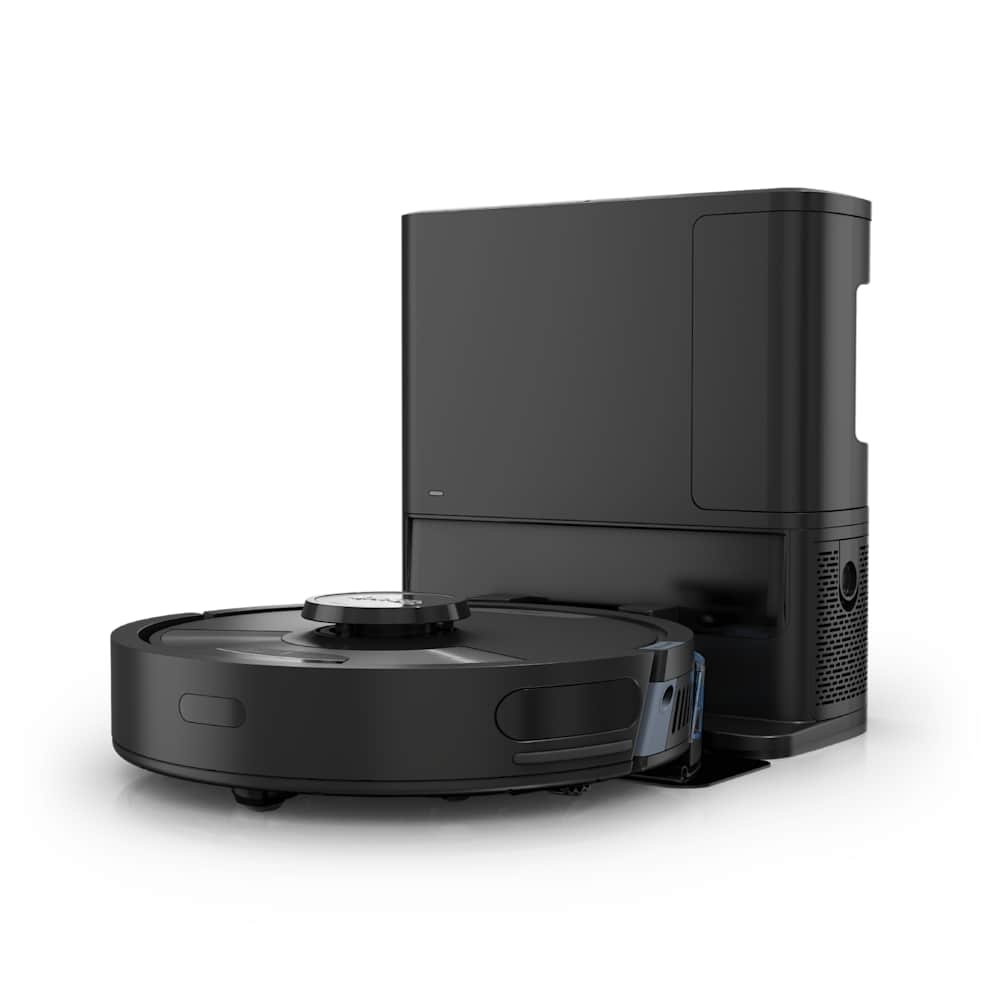
If your Roborock is leaking water, it's one of three problems — and each has a different fix. The robot dripping onto floors during mopping, the dock station leaving puddles underneath, and the water tank leaking when you pull it out are three separate failures caused by different parts.
This guide helps you figure out which one you're dealing with, then walks through the fix. Most cases resolve in under 15 minutes with tools you already have at home. All instructions here come from Roborock's official support docs and verified owner fixes across hundreds of forum posts.
30-Second Summary
- Robot drips water while mopping → clogged water outlet holes; clean them with a needle and dry cloth
- Dock station puddle → dirty water tank sensors or limestone buildup; remove, clean, reseat
- Tank drips when removed → worn or cracked gasket; inspect and replace ($5-8 part)
- Prevention: only use plain water (never cleaning products), empty the dirty tank after every session, and check the gasket monthly
Which Leaking Water Problem Do You Have? (Quick Diagnosis)
Match your symptom to a scenario before trying any fix.
| What you're seeing | Which scenario | Most likely cause |
|---|---|---|
| Water streaks or puddles on the floor during a mopping run | 1. Robot leaking while mopping | Clogged water outlet, tank not seated, or flow set too high |
| Water pooling under or around the dock after the robot returns | 2. Dock station leaking | Dirty water tank sensor fouled, limestone buildup, or overflow |
| Water drips from the tank when you remove or tilt it | 3. Tank itself is leaking | Worn gasket, hairline crack, or warped tank body |
If you see water both on the floor during cleaning AND under the dock, start with Scenario 1 — a robot-side leak usually drags water back into the dock.
Scenario 1 — Robot Leaking Water While Mopping
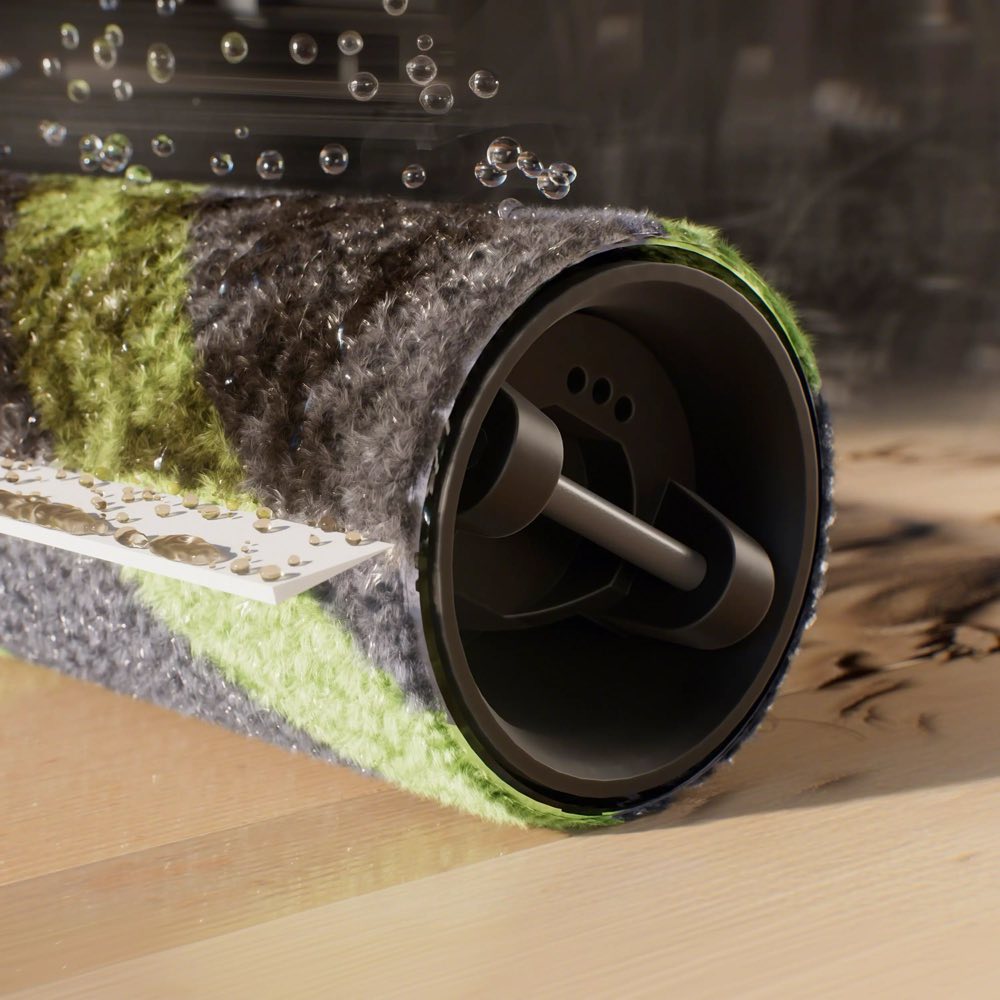
The fix in one sentence: the water outlet holes underneath the robot are clogged, so water pools on the surface instead of flowing evenly through the mop cloth.
This is the most common leak. You'll see puddles or wet streaks — usually in straight lines — on hard floors after a mopping run. The mop cloth might feel oddly dry in the center but soaked at the edges, or the robot just leaves standing water behind.
Step-by-step fix:
- Flip the robot over and locate the water outlet holes. They're small openings on the underside, near the mop plate area. On S-series models there are typically 2-4 holes; on Q Revo and Qrevo Curv there's a wider distribution plate.
- Clean each hole with a needle. Push gently — you're clearing mineral deposits and lint, not drilling. Calcium buildup from hard water is the most common clog, especially if you've ever added cleaning solution to the tank.
- Wipe the entire area around the outlets with a dry microfiber cloth. Any moisture stuck to the surface will drip during the next run and look like a leak when it isn't one.
- Check the mop cloth. A saturated, old mop pad absorbs poorly and lets water run off instead of wicking it. Replace pads every 3-6 months with daily use.
- Lower the water flow setting in the app. If it's set to High or Max, try Medium for one run. Excessive flow on hard floors with sealed grout will always leave some standing water — that's physics, not a malfunction.
One forum owner with an S5 Max found that applying a tiny drop of silicone oil around each water outlet hole after cleaning helped prevent re-clogging for several weeks. This isn't in Roborock's official docs, but multiple users have confirmed it works.
If the robot also has trouble returning to the dock after mopping, the water on the floor may be interfering with its navigation sensors — fix the leak first.
Important: Roborock explicitly warns never to add cleaning products, detergent, or vinegar to the water tank. These clog the filter and corrode the internal valve. If you've done this, flush the tank 3-4 times with plain water and clean the outlet holes before your next run.
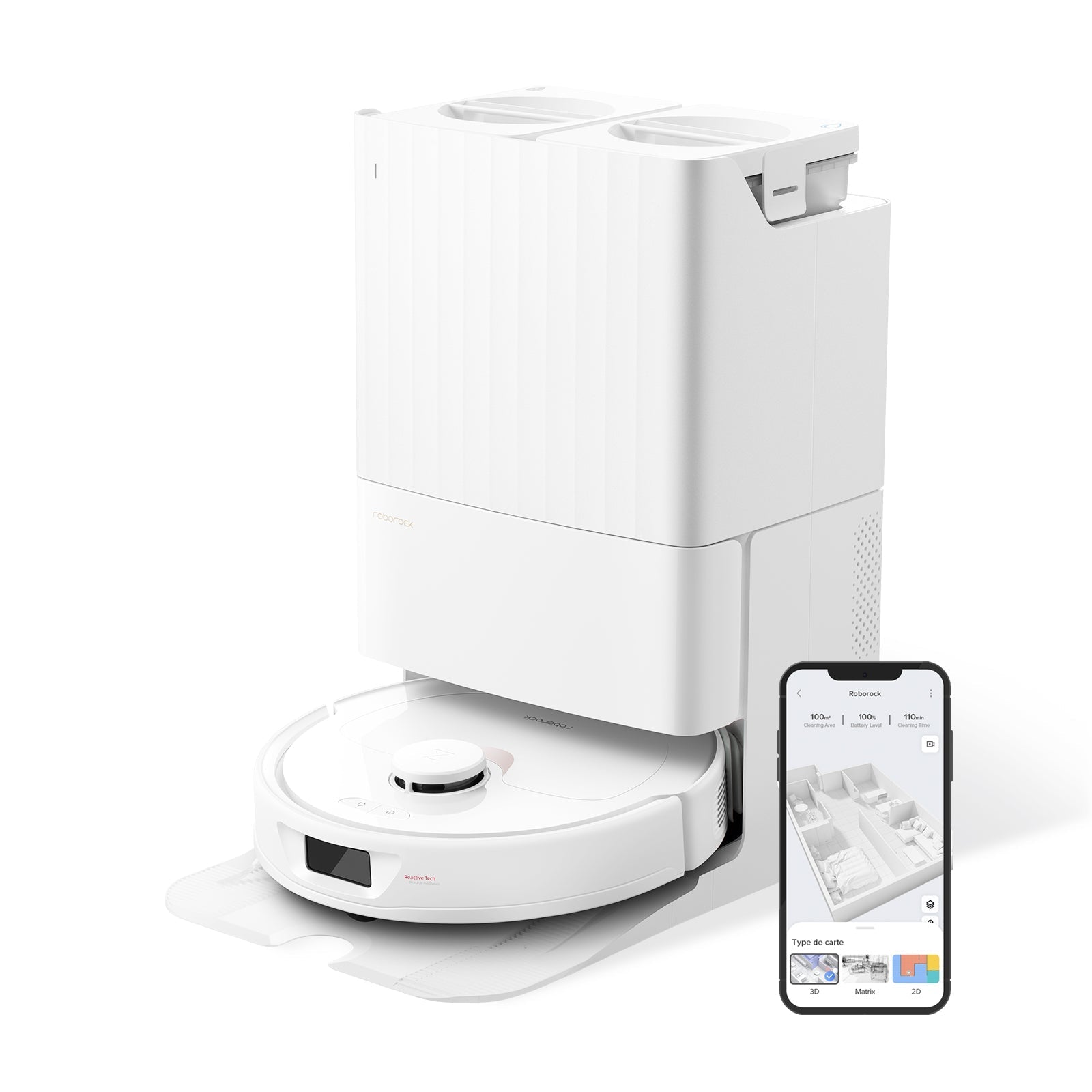
Scenario 2 — Dock Station Leaking Water
The fix in one sentence: the dirty water tank's level sensors are fouled with debris, causing overfill and overflow during the mop-wash cycle.
If you come back to find a puddle under or around the dock — but the floors the robot cleaned look normal — the leak is happening when the robot returns and the dock runs its self-cleaning routine. This is different from Scenario 1 because the water appears only at the dock, not along the cleaning path.
Step-by-step fix:
- Remove the dirty water tank from the dock. On most models (Q Revo, S8 MaxV Ultra, Saros series) it lifts straight up or slides out from the back.
- Locate the two water level sensors inside the dirty tank. They're small metal contacts near the top interior wall. Wipe them with a soft cloth — mineral scale and mop debris coat them over time, making the dock think the tank has room when it's actually full.
- Check the tank gasket/seal where the dirty tank meets the dock body. If it's coated in grime, wipe it clean. If it's deformed or cracked, replace it.
- Inspect for limestone buildup inside the dock's water channel. If you live in a hard-water area, you may see white deposits where the clean water feeds into the wash tray. Wipe them off with a damp cloth. Do not use vinegar or descaler inside the dock — it can damage seals.
- Make sure the dock is on a level surface. A dock that tilts even slightly forward will pool water toward the front lip. Use a phone level app to check. Roborock includes adjustable feet on some dock models.
A Qrevo Pro owner reported persistent dock leaking from day one that turned out to be a factory-defective dirty tank seal. If cleaning doesn't fix it and the dock is under warranty, contact Roborock support before buying parts.
If water from the dock is reaching carpet areas, you may also want to check our Roborock stuck on carpet guide — wet carpet edges can cause the robot to get stuck on subsequent runs.
After cleaning, run one self-wash cycle with the dock on a towel. If no water appears on the towel, you're good. If it leaks again, the problem is the gasket (see the replacement section below).
Scenario 3 — Water Tank Drips When Removed or Tilted
The fix in one sentence: the rubber gasket that seals the tank outlet is worn, cracked or misaligned — inspect it and either reseat or replace it.
This one's obvious: you pull the clean water tank out of the robot and water drips from the bottom valve. Or you tilt the robot more than about 60 degrees and water runs out from where the tank connects. This isn't a software issue — it's a physical seal failure.
Step-by-step fix:
- Remove the water tank and empty it completely.
- Find the outlet gasket. It's a small rubber ring or flap at the bottom of the tank where water exits into the robot. On the S8 series it's a round O-ring; on the Q Revo it's a rectangular flap valve.
- Inspect it closely. Look for cracks, permanent deformation (it should spring back when you press it), or grime in the groove that prevents it from seating flush.
- Clean the gasket and its groove with a cotton swab and plain water. Mineral deposits in the groove prevent a proper seal and cause slow drips.
- If the gasket is damaged, replace it. Roborock sells replacement gaskets for most models. They're also available on Amazon for $5-10. Match your exact model number — the S7, S8 and Q-series gaskets are not interchangeable.
Pro tip: place the tank on a flat, dry surface for 5 minutes after cleaning. If a water spot appears underneath, the gasket needs replacement even if it looks fine visually.
How to Clean the Water Outlet Holes (Detailed Guide)
This is the single most common fix across all three scenarios, so here it is in detail.
Tools you need: one sewing needle or straight pin, one dry microfiber cloth, one damp cloth.
- Power off the robot and flip it upside down.
- Remove the mop pad and mop plate to expose the outlet holes.
- Locate each water outlet hole — they're usually recessed 1-2mm. On older S-series models, check around the edges of the mop plate mount. On newer Q Revo / Saros models, they're integrated into the plate.
- Insert the needle into each hole and rotate gently. You'll feel calcium deposits break free. Don't push hard enough to damage the internal valve.
- Wipe the entire underside with the damp cloth, then follow with the dry cloth.
- Reattach the mop plate and pad. Fill the tank with plain water and run a 5-minute spot clean on hard floor to confirm normal flow.
How often: do this once a month if you use your Roborock daily with the mop. If you have hard water (you see white residue on your faucets), do it every two weeks.
When to Replace the Water Tank or Gasket
Most leaking water issues resolve with cleaning. But if you've tried everything above and still have leaks, it's a part replacement.
| Part | When to replace | Cost | Where to buy |
|---|---|---|---|
| Tank gasket / O-ring | Visible cracks, permanent deformation, or doesn't seal after cleaning | $5-10 | Roborock official store, Amazon |
| Water tank | Hairline crack visible, warps when placed on flat surface | $25-50 | Roborock official store |
| Dock dirty water sensor | Corroded contacts visible even after cleaning | $10-15 | Contact Roborock support |
| Mop pad | Over 6 months old, no longer absorbs water evenly | $10-15 for 2-pack | Amazon, Roborock store |
Check your warranty first. Roborock's standard warranty covers manufacturing defects including faulty seals. If your robot is under 1 year old and was leaking from day one, you likely qualify for a free replacement tank or dock repair.
Preventing Future Leaks (3-Minute Monthly Routine)
These five habits prevent 90% of repeat leaks:
- Use only plain tap water in the clean tank. Never add detergent, floor cleaner, vinegar, or essential oils. They corrode valves and clog filters.
- Empty the dirty water tank after every session. Standing dirty water grows bacteria and deposits scale faster.
- Dry the dock tray weekly. Pull out the wash tray, wipe it dry, and check for scale buildup.
- Needle-clean the outlet holes monthly (or biweekly with hard water).
- Inspect the tank gasket every 3 months. Press it with your finger — it should bounce back immediately. If it stays compressed, replace it.
If your robot is also making unusual noises during mopping, the water pump may be struggling with a clog — clean the outlet holes first before assuming it's a motor issue.
If you have very hard water and see leaking water problems recurring faster than monthly, consider using filtered water in the clean tank. It's not required, but it reduces calcium buildup significantly.
Frequently Asked Questions
Why is my Roborock leaking water only on certain floors?
Sealed hard floors — tile with narrow grout, polished concrete, vinyl plank — don't absorb any water at all, so even normal mop moisture sits on the surface and looks like a leak. Try lowering the water flow from High to Medium or Low in the app before assuming something's broken. If the issue only appears on one specific floor type and the mop cloth is wet, it's probably normal and not a malfunction.
Can I use cleaning solution in my Roborock water tank?
No. Roborock explicitly states that only plain water should go in the tank. Cleaning products — including floor cleaner, dish soap, vinegar, and essential oils — clog the internal filter and corrode the water valve. If you've already done this, flush the tank 3-4 times with clean water and needle-clean the outlet holes. Continued use with cleaning solution will void your warranty claim for water leaks.
How do I know if my Roborock's water tank gasket needs replacing?
Remove the tank, empty it, dry the outside, and set it on a dry paper towel for 5 minutes. If a water spot appears, the gasket is failing. You can also press the gasket with your finger — a healthy gasket springs back immediately. If it stays compressed or you see visible cracks, it's time for a new one. Replacement gaskets cost $5-10 on Amazon.
Why does water pool under my Roborock dock station?
The dirty water tank's level sensors are fouled, causing the self-wash cycle to overfill. Remove the dirty tank, wipe the two metal sensor contacts inside, clean any scale buildup, and reseat the tank. If the dock was leaking from day one, the seal may be factory-defective — check your warranty. Also confirm the dock sits on a perfectly level surface.
Is it normal for the Roborock mop to be very wet after cleaning?
A slightly damp mop is normal. A mop that drips when you lift the robot or leaves visible puddles is not. Check two things: the water flow setting in the app (lower it) and the age of your mop pad (replace every 3-6 months). If the pad is new and the flow is on Low and it still drips, move to the outlet hole cleaning steps in this guide — you likely have a clog that's releasing water unevenly.