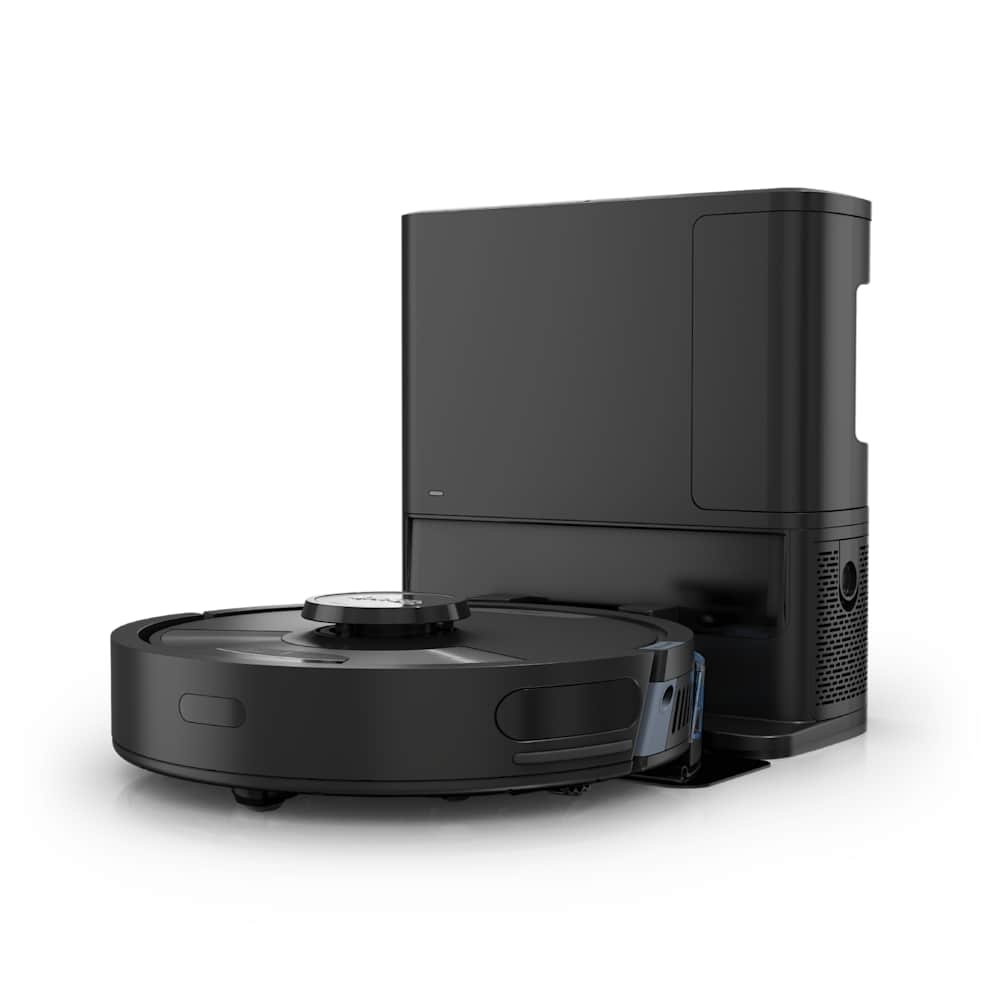
When a Dreame robot vacuum stops charging, the cause is almost always one of five things — and four of them you can fix in under ten minutes without opening the robot. We worked through every official Dreame support article and hundreds of owner reports across Reddit and the Dreame Forum to put this fix list in the order that actually works for most people.
30-Second Summary
- Most common cause: Dirty charging contacts on the dock or robot — wipe them with a dry cloth
- Next most common: Power switch on the back of the dock is off, or the dock is unplugged
- Quick test: Pick the robot up, dry-wipe both sets of contacts, place it back on the dock — most cases resolve here
- When to call support: If the battery dies in under 30 minutes after a full charge, it is a battery issue and Dreame may need to repair or replace under warranty
If your robot is brand new and has never charged, skip to the new-unit checklist. For everyone else, work the steps below in order.
Step 1: Check the Dock Has Power
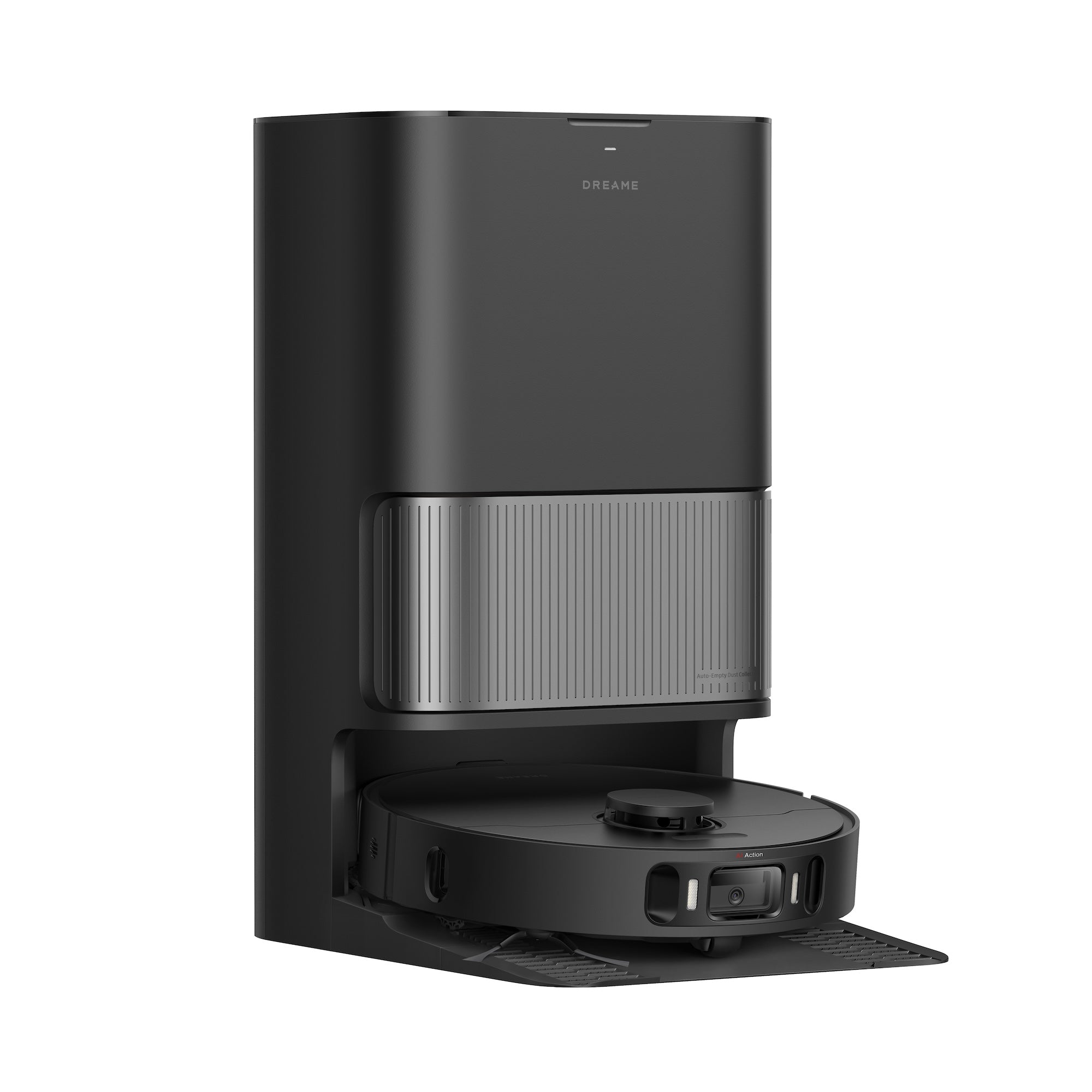
Before you touch anything else, verify the dock itself is alive. Most "not charging" reports turn out to be unpowered docks.
- Confirm the wall outlet is working — plug in a phone or lamp to test it. Surge protectors flip off more often than people realize.
- Check both ends of the power cord. The connector at the back of the dock is the spot most likely to wiggle loose during vacuuming.
- Flip the power switch on the back of the dock to the on position. Newer Dreames (L20 Ultra, L40 Ultra, X40 Ultra and later) have a physical switch you can accidentally bump.
- Look for the dock indicator light. A white LED — solid or breathing — means the dock is powered. No light at all means power is not reaching it.
- If your dock is brand new, peel off any protective film covering the metal contacts. Plastic film blocks the charging connection.
If the dock LED is off after all four checks, the issue is upstream of the robot — try a different outlet, then a different cord if you have one.
Step 2: Clean the Charging Contacts
This is the single biggest fix. Dust, mop-pad water residue, and pet hair build up on the metal contacts and break the connection. Dreame's official guidance is explicit: contacts must be cleaned with a dry cloth only.
- Power off the robot with the side button (or pop the top lid and toggle the main switch on older models).
- Lift the robot off the dock and flip it over.
- Locate the two metallic charging strips on the underside of the robot, near the front. They look like flat rectangular pads.
- Wipe both strips with a dry, soft cloth. A clean cotton T-shirt works well. Do not use water, alcohol wipes, or a wet rag — moisture on the contacts can damage internal electronics, per Dreame support.
- Find the matching contacts on the dock (raised metal posts where the robot sits) and dry-wipe those too.
- Place the robot back squarely on the dock so the contacts touch directly.
If the metal looks dull, oxidized, or rust-colored, a very gentle rub with a clean pencil eraser removes the corrosion without scratching. Wipe away eraser dust afterward.
"It often doesn't fully charge and fails to complete the cleaning tasks we assign." — Dreame Forum user with an L10s Ultra. Cleaning the contacts resolved similar reports across the same thread.
Step 3: Reposition the Dock
A surprising number of charging failures come down to the dock not having enough open space around it. The robot's LiDAR cannot align with the contacts if walls or furniture force it to approach at an angle.
Per Dreame's official spec, leave:
- At least 0.5 meters (about 20 inches) clear on each side of the dock
- At least 1.5 meters (about 5 feet) clear in front of the dock
- No furniture, rugs, or obstacles within those zones
The dock also needs to sit flush against a wall on a flat, hard surface — never on top of a thick rug or carpet. A rug under the dock can tilt it just enough that the contacts miss alignment.
If you recently rearranged a room, this is the most likely cause.
Step 4: Restart the Robot
Software hangs are the third most common cause. A simple restart clears whatever state has the charging firmware confused.
- Lift the robot off the dock.
- Press and hold the power button on top of the robot for 3 seconds until the LED indicator turns off.
- Wait 10 seconds.
- Press the power button again to turn the robot back on.
- Place it back on the dock. Listen for the soft "ding" tone — that confirms a charging connection.
If the robot still does not charge after a restart, do a full reset through the Dreamehome app:
- Open Dreamehome and select your robot.
- Tap the gear icon (top-right) to open device settings.
- Scroll to Factory Reset (sometimes labeled "Restore Defaults" or "Delete Device").
- Confirm.
A factory reset wipes saved maps and schedules, so re-mapping your home will be required afterward. Only do this step if cleaning contacts and a soft restart both failed.
Step 5: Verify the Adapter
Most owners never need to touch this, but if you replaced a lost or damaged power adapter with a third-party one, the spec might be wrong.
The official Dreame charging adapter outputs 31V at 0.8A (the exact spec is printed on the brick). A 24V or 20V adapter from another vacuum will not deliver enough current — the robot will sit on the dock indefinitely without ever fully charging.
If you bought a replacement adapter on Amazon and the symptom started afterward, swap back to the original Dreame brick. If you no longer have it, order an OEM replacement directly from Dreame's parts store rather than risking a generic.
Step 6: When the Battery Itself Is the Problem
If you have done everything above and the robot charges to full but dies in under 30 minutes, the issue is the battery, not the dock or contacts. This is normal wear after years of daily use.
Dreame's published battery life is 2 to 5 years depending on usage, with most batteries lasting 300 to 500 full charge cycles before capacity drops below 60%. If your robot is over two years old and runtime has fallen off a cliff, you are at end-of-life.
What to do:
- Still under warranty? Contact Dreame After-Sales at aftersales@dreame.tech with your serial number and proof of purchase. Dreame typically covers battery replacement during the warranty window.
- Out of warranty? Replacement batteries cost $40 to $90 depending on the model. Only use OEM or vetted third-party batteries (Green Cell and Exmate match OEM runtime within 5% in independent testing). Avoid sub-$40 generics — they use low-grade cells that fail within a year.
- Not comfortable opening the robot? Take it to a third-party repair shop. Dreame batteries are not designed for user replacement on most models, and improper handling can puncture the cell.
New Robot Not Charging Out of the Box
If your Dreame just arrived and refuses to charge on first setup, the fix is almost always one of three things:
- Plastic film over the dock contacts. Peel it off — it is easy to miss because it is nearly invisible.
- Power switch on the dock. Newer L-series and X-series Dreames ship with the dock switch in the off position. Flip it on.
- Battery shipped at near-zero charge. This is normal for safe shipping. Leave the robot on the dock for at least 6 hours on first charge — Dreame recommends this for battery calibration.
If the robot still refuses to charge after these three checks, the unit may be DOA. Contact the retailer (Amazon, Best Buy, Dreame direct) for a replacement under their return window — do not waste time troubleshooting a dead-on-arrival robot.
Frequently Asked Questions
Why does my Dreame charge but stop after a few minutes?
This usually means the contacts are partially obstructed — the connection is good enough to start a charge but loses contact when the robot shifts slightly. Pull the robot off, dry-wipe both sets of contacts thoroughly, and confirm the dock is sitting flat on a hard surface (not a rug). If the issue persists, the metal contacts may be oxidized — a gentle rub with a clean pencil eraser usually clears it.
How long should I leave my Dreame on the dock for a full charge?
A full charge takes 3.5 to 6 hours depending on the model — newer models like the L40 Ultra and L50 Ultra recharge in about 3.5 hours, while older Dreames need closer to 6. Listen for the charge-complete tone or check the app, which shows "100%" when ready. Leaving it on the dock longer does not damage the battery.
Can I use a third-party charger for my Dreame robot vacuum?
Only if the spec exactly matches the original — 31V output at 0.8A. Most third-party chargers are 24V or under-spec on current, which causes the symptom you are trying to fix. Dreame officially recommends only the OEM adapter. If yours is lost or damaged, order a replacement from Dreame directly.
My Dreame battery dies in under 30 minutes — is it broken?
If a full charge gets you less than half an hour of cleaning, the battery has degraded past usable capacity. Modern Li-ion batteries last 300 to 500 cycles before dropping below 60% health. If your robot is over two years old, this is normal end-of-life and you need a battery replacement. If it is under a year old, contact Dreame support — it is likely a defect covered by warranty.
Why is my Dreame dock light off even though it is plugged in?
First, test the wall outlet with another device (it is more often the outlet than the dock). Then confirm the power switch on the back of the dock is in the on position — newer models have a physical switch that is easy to miss. If both check out and the dock light is still off, the power adapter may be defective. Try a different working outlet first; if the dock light stays off, the dock or adapter needs replacement.
Do I need to charge a new Dreame for 24 hours before first use?
No. That is an old recommendation for nickel-cadmium batteries — modern Li-ion batteries used in Dreame robots do not need conditioning. Dreame officially recommends 6 hours on first charge to let the battery fully calibrate, but you can use the robot before that if needed. Subsequent charges happen automatically when the robot returns to the dock.
If your robot vacuum is not a Dreame, see our brand-specific guides for Roborock not charging, eufy not charging, Roomba not charging, and Shark not charging. For more Dreame how-tos, browse our troubleshooting hub.