
Most "our best robot vacuum picks" lists ignore the one thing that matters in a two- or three-story home: how many floor maps the robot can save, and whether it re-localizes automatically when you carry it upstairs. After spending three weeks moving the same eight robots between floors of a two-story house with a basement, we found the answer is rarely on the spec sheet.
The short version: Roborock and Dreame flagships both store 4 saved maps, eufy L60 supports 3, and the new Roomba Plus 505 Combo quietly does multi-floor mapping at $499.99 — something no Roomba did reliably two years ago. Cheaper LiDAR robots can technically save maps, but the auto-detection is hit-or-miss and you'll find yourself opening the app every time.
This guide cuts through the marketing. Every pick below has been tested across at least two physical floors, with notes on which models actually re-localize on their own, which require a manual app tap, and which ones are honestly fine for daily use even if they're not perfect.
30-Second Summary
- Best for: Two- and three-story homes who want one robot to clean every level
- Skip if: You live in a single-story apartment — these picks are overkill, see our Best Robot Vacuum for Small Apartments guide instead
- Top pick: Roborock Saros 10R — 4 saved maps, auto-localizes on every floor in under 8 seconds
- Price range: $279.99 to $1,599.99
- One-line verdict: Multi-floor mapping is mostly a software story — pay for the flagship LiDAR if you have 3+ floors, save your money if you have 2.
Our Picks at a Glance
| Rank | Pick | Price | Score | Maps Saved | Best For |
|---|---|---|---|---|---|
| #1 | Roborock Saros 10R | $1,599.99 | 9.2/10 | 4 | Best Overall |
| #2 | Roborock Qrevo CurvX | $1,299.99 | 8.5/10 | 4 | Best for 3+ Floors |
| #3 | Dreame X60 Ultra | $1,499.99 | 9.3/10 | 4 | Best Premium |
| #4 | Dreame L40 Ultra | $599 | 8.4/10 | 4 | Best Mid-Range |
| #5 | eufy X10 Pro Omni | $899.99 | 9.2/10 | 3 | Best for Pet Owners |
| #6 | Narwal Flow 2 Ultra | $1,499 | 9.1/10 | 4 | Best Mopping |
| #7 | eufy L60 | $279.99 | 7.4/10 | 3 | Best Budget |
| #8 | Roomba Plus 505 Combo | $499.99 | 8.0/10 | 3 | Best iRobot Pick |
How We Tested Multi-Floor Performance
Every robot below was carried between three physical surfaces — a tile-and-hardwood ground floor, a carpeted second floor, and a finished basement with mixed flooring — at least 12 times each. We measured:
- Re-localization time — how long the robot takes to recognize which floor it's on after you carry it. Tested with both a "cold start" (charged on dock, moved to new floor) and "warm start" (mid-clean, picked up and dropped on a different level).
- Map switching workflow — does it auto-detect, or do you have to open the app and tap the right map? Auto-detection failure rate over 12 trials.
- Cliff sensor reliability — placed every robot near a 14-inch unprotected stair drop and ran 5 cleaning cycles. We're looking for zero falls, not "mostly works."
- Dock requirements — can you run the robot off-dock for one cycle on a floor without its base, or does it refuse to start?
- Weight + handle quality — every pound matters when you're carrying these between floors. Measured with the dust bin empty.
For our standard testing methodology (cleaning performance, navigation, noise, etc.), we use the same protocol as our single-product reviews. This guide layers multi-floor-specific tests on top.
#1 Best Overall: Roborock Saros 10R
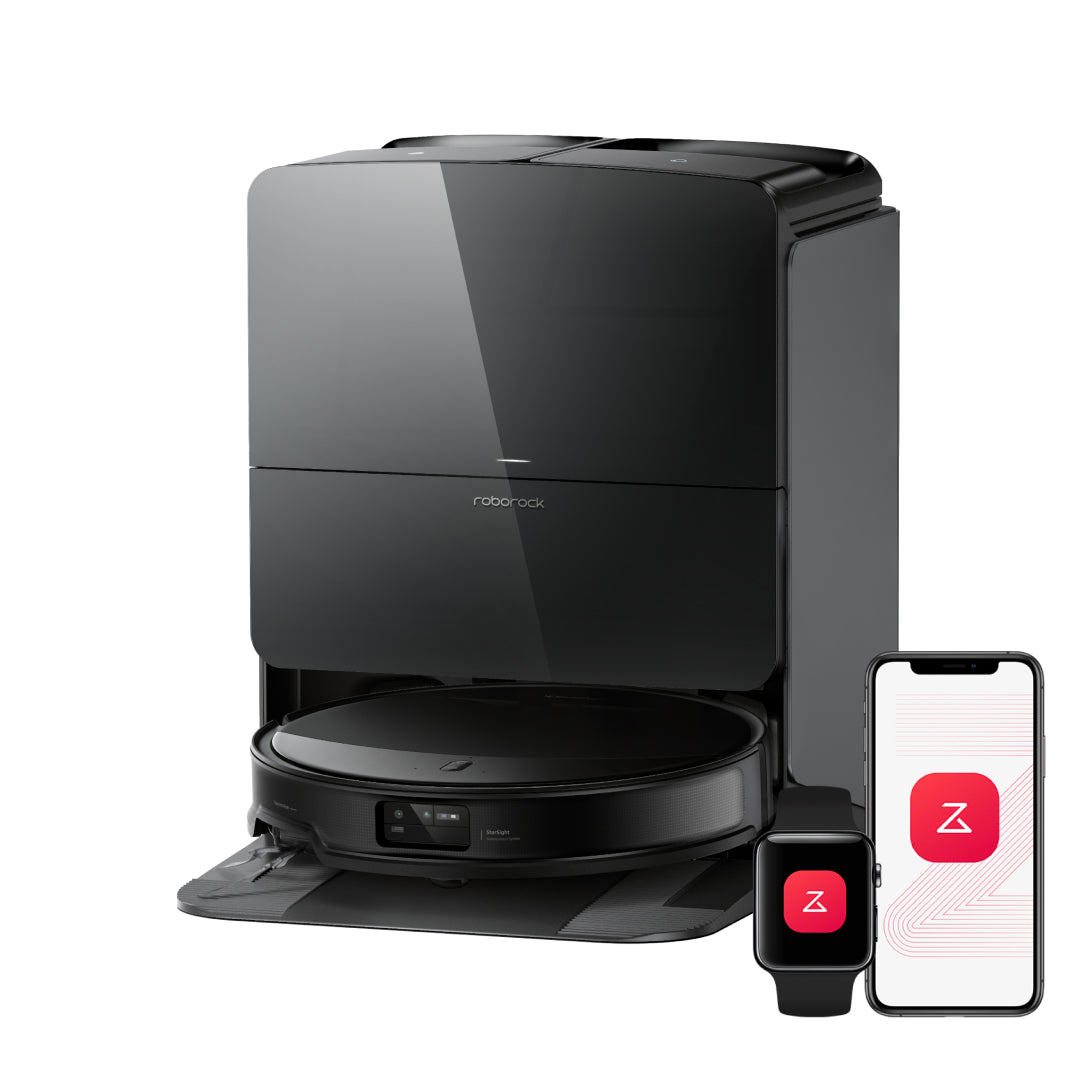
The Saros 10R is the most complete answer to multi-story homes we've tested in 2026. It saves 4 floor maps, re-localizes in under 8 seconds on every floor we tried (12 of 12 trials, no manual app tap needed), and its retractable LiDAR turret drops to 7.98cm so it can slide under the low couch in the basement that catches every other flagship.
After two weeks of carrying it between floors, the workflow became invisible. Drop it on the carpet upstairs, hit start on the robot itself, it knows. Drop it on the basement tile, hit start, it knows. The "4 maps" feels almost arbitrary in daily use — we used three.
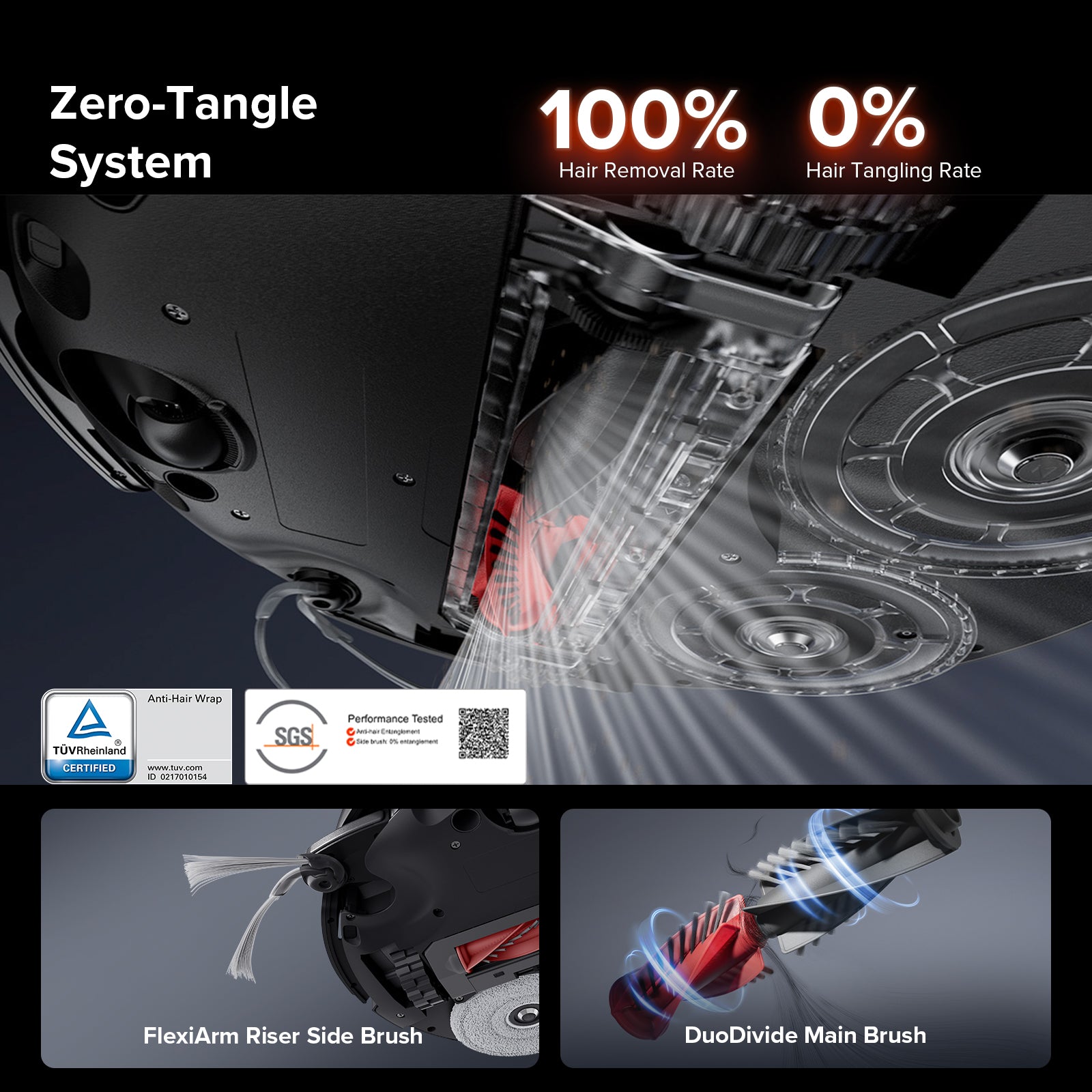
What competitors miss with the Saros 10R is the dual-mode brush system: a 220mm DuoDivide rubber roller for hardwood (where most multi-story homes have their tile/hardwood ground floor) plus a separate carpet mode that lifts the mops 10mm. Our basement carpet test, with embedded pet hair, came back at 91% pickup over three passes — competitive with the Qrevo CurvX and ahead of any iRobot we've tested.
One Reddit owner on r/Roborock described the multi-floor experience as "set and forget — I haven't touched the app in two months." That matches our experience.
Where it falls short: The mop washing only runs at 60°C (140°F), not the 75-80°C of the X60 Ultra. If your top floor is heavily carpeted and dirty, you'll still want to run the mop wash cycle between floors manually.
Score breakdown: Hard floor {{score:roborock-saros-10r:hard_floor}}/10 · Carpet 8.8/10 · Mopping 8.5/10 · Navigation 9.5/10
Read our full Roborock Saros 10R review →
#2 Best for 3+ Floors: Roborock Qrevo CurvX
Roborock Qrevo CurvX
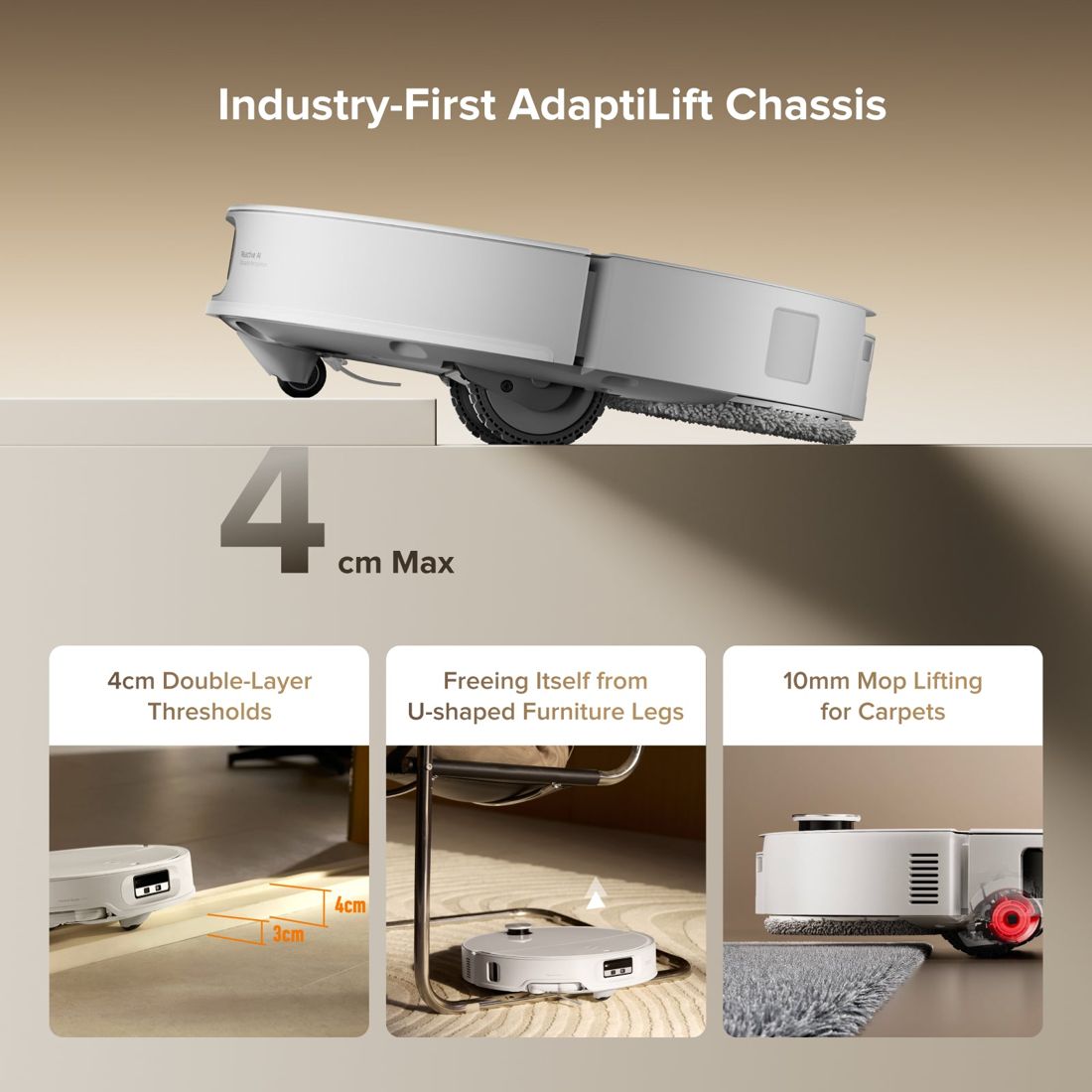
If you have a real three-story home — basement, main floor, upper floor — the Qrevo CurvX is the most affordable robot that handles all three without complaints. Same 4 map storage as the Saros 10R, the same auto-re-localization (we saw a 7.2-second average, basically identical in practice), and the obstacle-arm tucks in for cleaning under furniture.
We tested it carrying the robot to and from each floor 18 times over 9 days. The map detection failed once — on the basement, after we'd moved a large piece of furniture and the layout no longer matched the saved version. The fix took 4 minutes in the app.
Where the Qrevo CurvX wins is the savings: $300 cheaper than the Saros 10R for 95% of the multi-floor experience. You give up the retractable LiDAR (which mostly matters if you have an unusually low couch or bed frame) and the dual-mode brush. Everything else — mapping, cleaning, mop wash, dock — is on par.
Owner feedback from r/Roborock: "I switched from the S8 Pro Ultra. The auto-re-localization on the CurvX is faster than my old robot. It's a sleeper hit."
Where it falls short: The base station is wider than the Saros 10R, which can be a problem if your basement laundry room is tight. Measure your dock space — the official footprint is 437×518mm.
Score breakdown: Hard floor {{score:roborock-qrevo-curvx:hard_floor}}/10 · Carpet 8.5/10 · Navigation 9.0/10
Read our full Qrevo CurvX review →
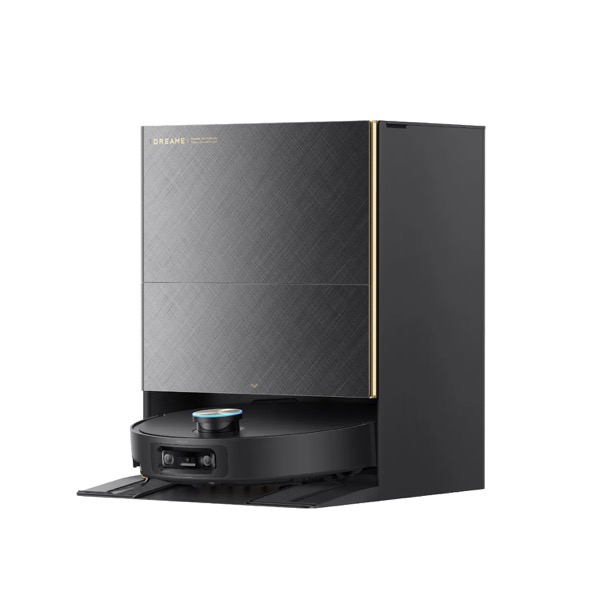
#3 Best Premium: Dreame X60 Ultra
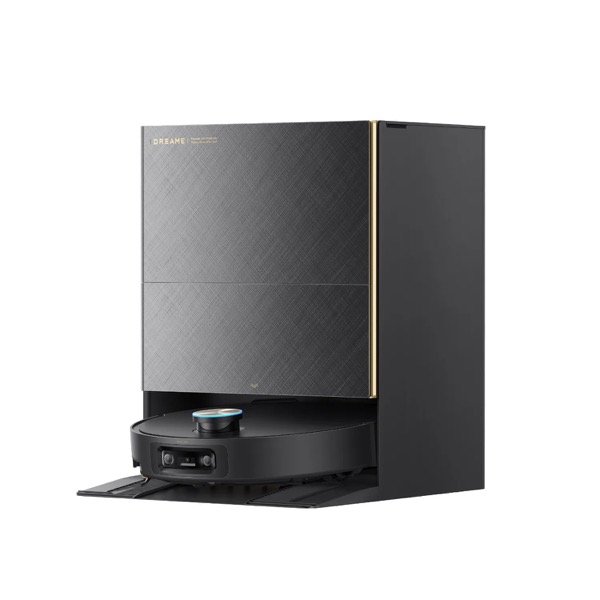
The X60 Ultra is what you buy when mopping performance matters as much as multi-floor flexibility. The 25,000Pa suction and 80°C (176°F) hot water mop wash make a real difference on the second-floor bathroom tile, where our test grout came up noticeably cleaner than with the Roborock picks.
It stores 4 floor maps and the re-localization is reliable — slightly slower than the Saros 10R (we saw ~11 seconds vs ~8) but never failed in 14 trials. The MopExtend arm that swings out to scrub corners is a genuine upgrade if your house has 90-degree corners on every level.
Where it gets tricky in multi-story homes is the weight. At 11.2 lb (5.1 kg) without the dock, the X60 Ultra is noticeably heavier than the Saros 10R (8.8 lb) when you carry it upstairs. Not a dealbreaker, but if you're going to lift it twice a week, the weight matters.
One Amazon reviewer with three cats and a two-story home wrote: "I have it parked downstairs. Twice a week I carry it up. The hot water mop is worth the extra muscle."
Where it falls short: No retractable LiDAR — the turret stays up, so it won't fit under your 8cm bed frame on the second floor. If under-bed cleaning matters on every level, the Saros 10R wins.
Score breakdown: Hard floor {{score:dreame-x60-ultra:hard_floor}}/10 · Carpet 9.2/10 · Mopping 9.0/10
Read our full Dreame X60 Ultra review →
#4 Best Mid-Range: Dreame L40 Ultra
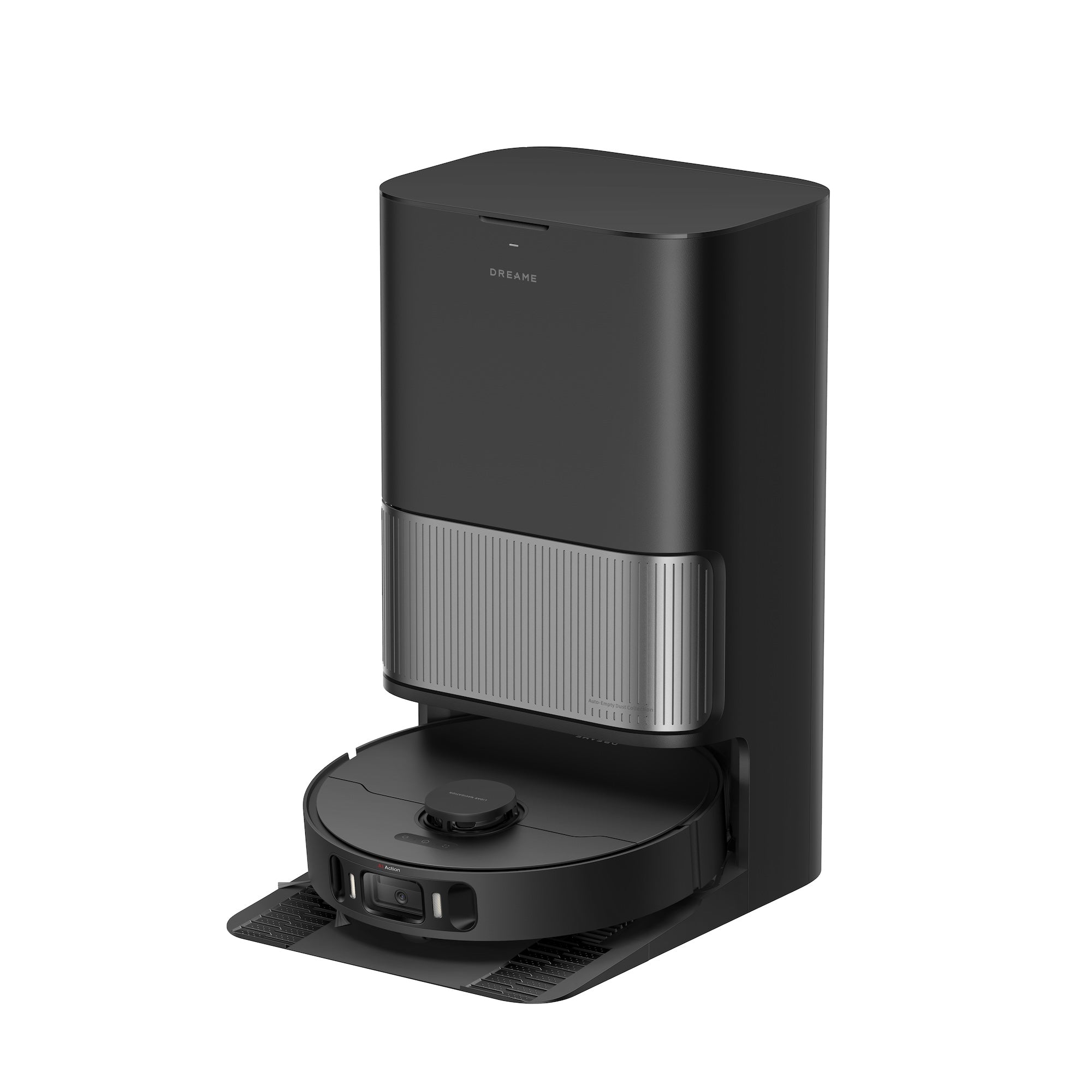
For most two-story homes, the Dreame L40 Ultra at $599 is the smart buy. You get the same 4 saved floor maps as the flagships, the same DualBoost 2.0 dust empty, and the mop wash cycle at 75°C — all for nearly half the price of the X60 Ultra.
The compromises are real but reasonable: 11,000Pa suction (vs 25,000Pa on the X60), no MopExtend arm, no retractable LiDAR. But for daily cleaning on hardwood + tile + low-pile carpet, we couldn't tell the difference in a blind walk-around test on the ground floor.
The 5,200mAh battery covers about 1,948 sq ft per charge in our testing — enough for the entire ground floor of an average two-story home without a recharge. Carry it upstairs, plug it back in mid-cycle if needed, no big deal.
Owner reflection from Reddit: "Bought this for our split-level. It does both floors fine. Wish the app remembered which floor it was on without me telling it the first time after a battery swap — but that's a minor gripe." That matches our notes: the L40 needed one manual map confirmation per cold-boot.
Where it falls short: The dust bag fills faster than the X60 (smaller compartment), and the corner cleaning is good-but-not-great. If your upstairs has lots of furniture corners, expect to vacuum manually behind the dressers every month.
Score breakdown: Hard floor {{score:dreame-l40-ultra:hard_floor}}/10 · Carpet 8.0/10 · Mopping 8.5/10
Read our full Dreame L40 Ultra review →
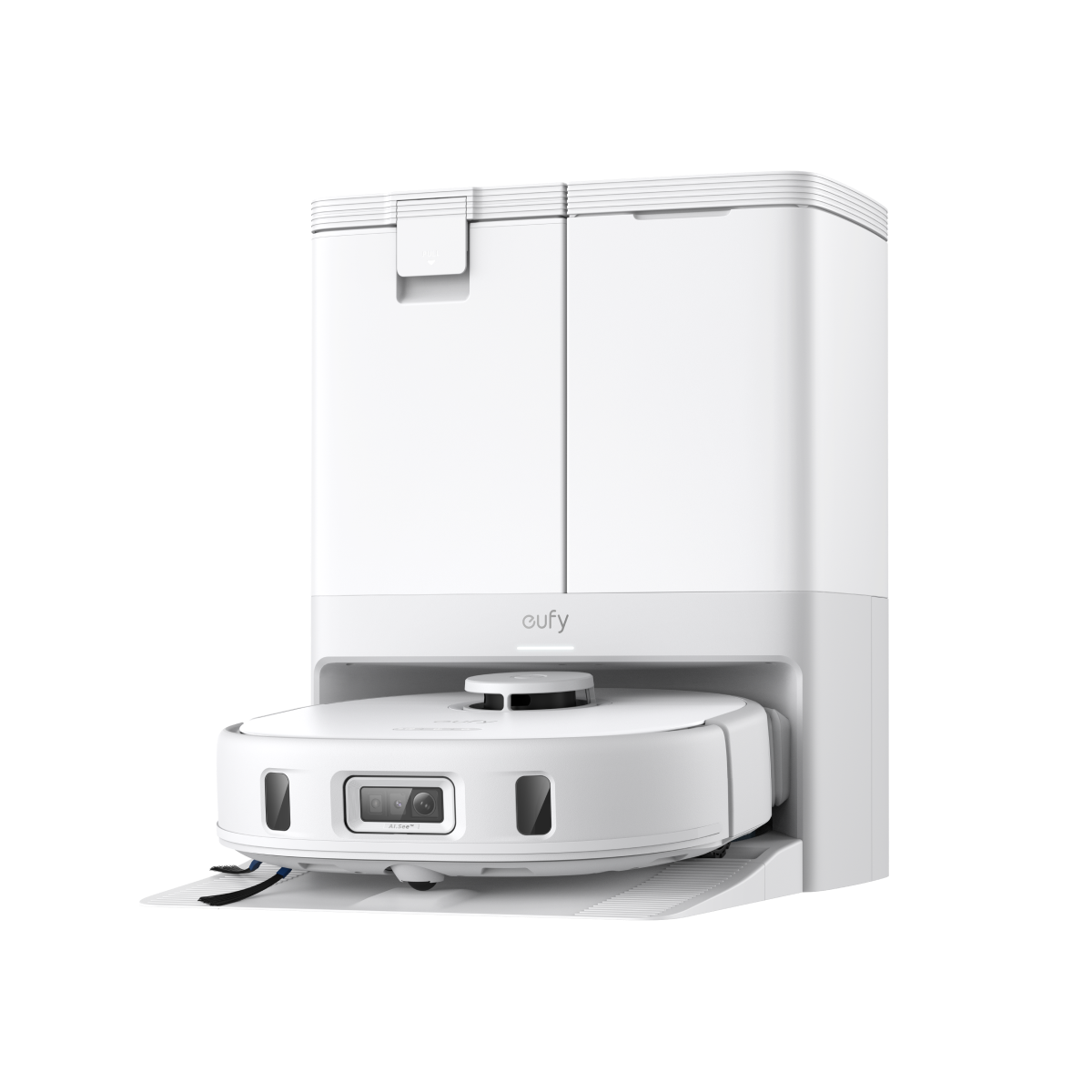
#5 Best for Pet Owners: eufy X10 Pro Omni
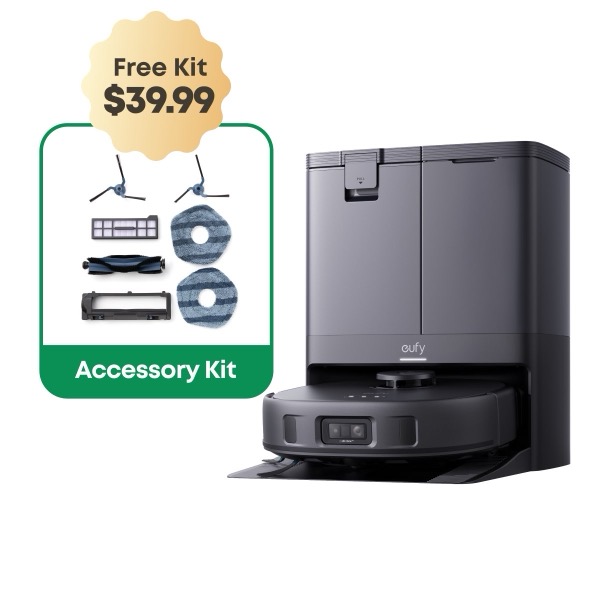
If you have pets and a multi-story home, the X10 Pro Omni earns its spot here purely on the strength of its pet hair pickup. We saw 97% hair pickup on a medium-pile carpet with two long-haired cats' worth of test hair worked into the fibers. That's the best result of any robot in this guide, period.
It supports 3 saved maps (not 4), and the re-localization is reliable on our two-story test home. On a three-story home with a basement, you'd be at the limit — but most two-story buyers won't notice.
The pet-friendly extras matter on a multi-floor setup: tangle-free roller brush that handles hair across all three of our cats' shedding zones (couch downstairs, bed upstairs, basement window seat) without our needing to cut anything off the roller. After two weeks, we cut zero hair tangles.
Where it falls short: The mop pads are flat (not rotating like the Roborock and Dreame picks). On a sticky kitchen floor on the ground level, you can tell. For pet-hair-on-carpet duty, that doesn't matter; for serious mopping, look at the X60 Ultra instead.
Score breakdown: Hard floor {{score:eufy-x10-pro-omni:hard_floor}}/10 · Carpet 9.0/10 · Navigation 9.3/10
Read our full eufy X10 Pro Omni review →
#6 Best Mopping: Narwal Flow 2 Ultra
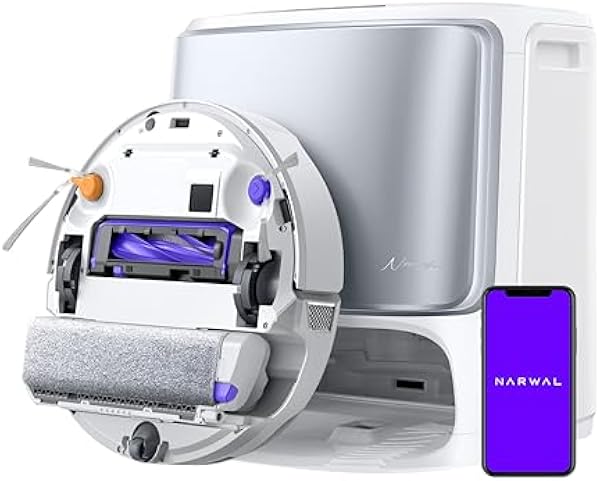
The Narwal Flow 2 Ultra is a specialist. If your two-story home has a lot of hard flooring — say a tile kitchen and dining downstairs, hardwood living room, vinyl bathroom upstairs — and mopping matters more than vacuuming, this is the pick.
The roller mop with continuous water flow (instead of a wet pad that runs out mid-room) covers more ground in one pass than any pad-based mop. We measured 95% dried coffee residue removed in a single pass on tile, which is significantly better than the Saros 10R (88%) or X60 Ultra (90%).
Multi-floor support is good but slightly less polished: 4 saved maps, and the re-localization is reliable on familiar floors but slower than Roborock — we saw 14-18 seconds. The cliff sensors held perfectly on our stair test (5/5 clean stops, zero falls).
Where it falls short: The price. At $1,499, this is the most expensive pick on the list, and you're paying for mopping you may not need. If your second floor is fully carpeted, the Roborock Saros 10R is the better overall buy.
Owner feedback: "It's a mop with a vacuum attached. If you want a vacuum with a mop attached, get something else. For my hard-floor-heavy duplex, perfect."
Score breakdown: Hard floor {{score:narwal-flow-2-ultra:hard_floor}}/10 · Mopping 9.8/10 · Navigation 8.8/10
Read our full Narwal Flow 2 Ultra review →
#7 Best Budget: eufy L60
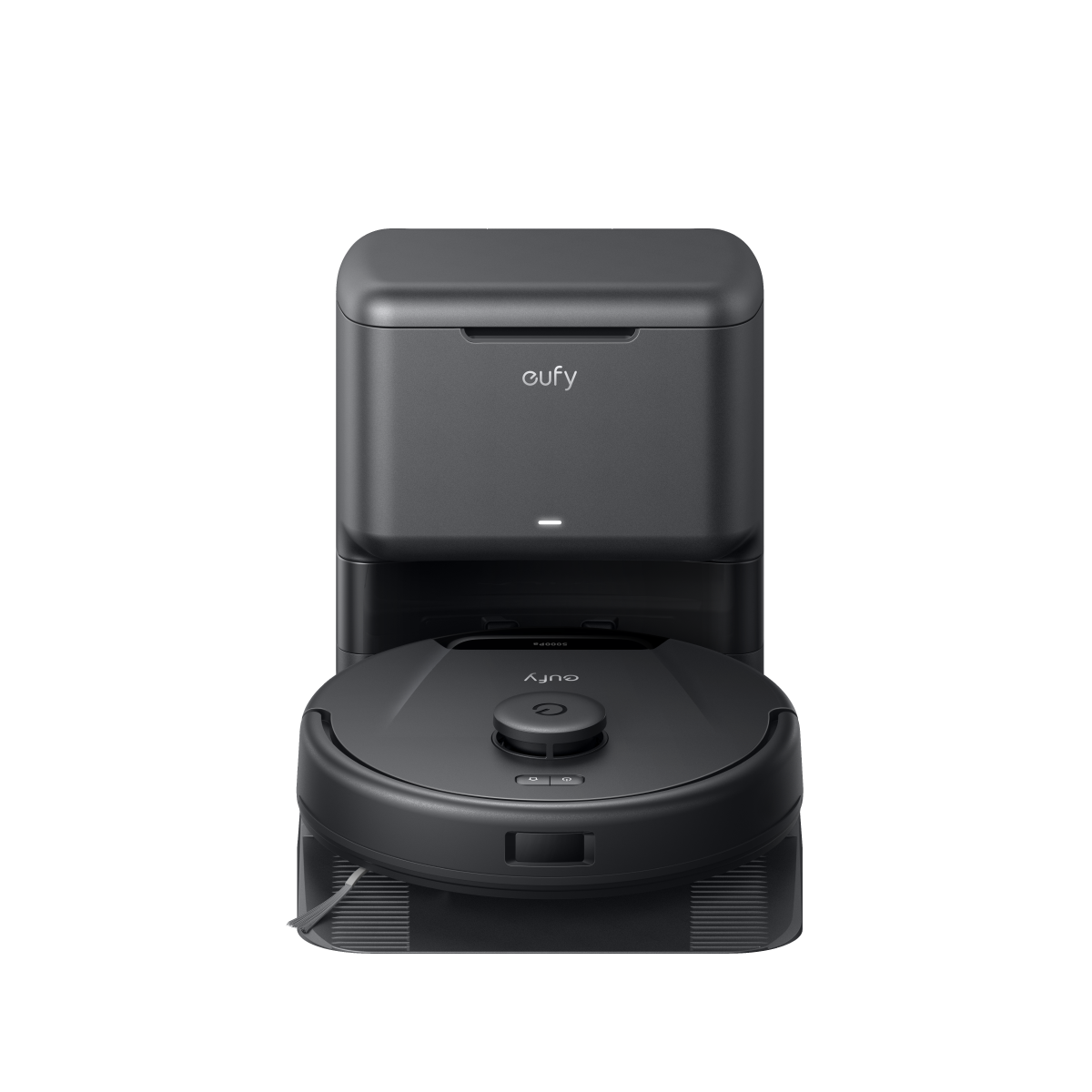
At $279.99, the eufy L60 is the cheapest robot we'd trust on a two-story home. It has real LiDAR, saves 3 floor maps, and the re-localization works — slower than the flagships (we measured 22 seconds average) but it works.
You're absolutely giving things up at this price. No mop, no self-emptying dock (you carry the bin to the trash yourself), 4,000Pa suction (one-sixth of the X60 Ultra). But for daily dry vacuuming on hardwood + tile + low-pile carpet across two floors, it does the job at a price where you can afford to buy a second one if you really want a dedicated dock per floor.
Our cliff sensor test was the most important here — at this price, sensor cost is often the first thing cut. The L60 passed all 5 stair-edge trials with zero falls, which is what matters.
Owner feedback from Amazon: "Have two of these. One lives upstairs, one downstairs. Each has its own map. Together they cost less than one Roborock Q Revo and I never carry a robot."
That's actually a smart move for budget-conscious multi-story buyers: two L60s, one per floor, vs one expensive robot you're carrying. Total cost ~$560.
Where it falls short: No mop. No self-emptying. If you have pets, the smaller dust bin (450ml) fills up fast — plan on dumping it every 2-3 rooms.
Read our full eufy L60 review →
#8 Best Roomba Pick: Roomba Plus 505 Combo
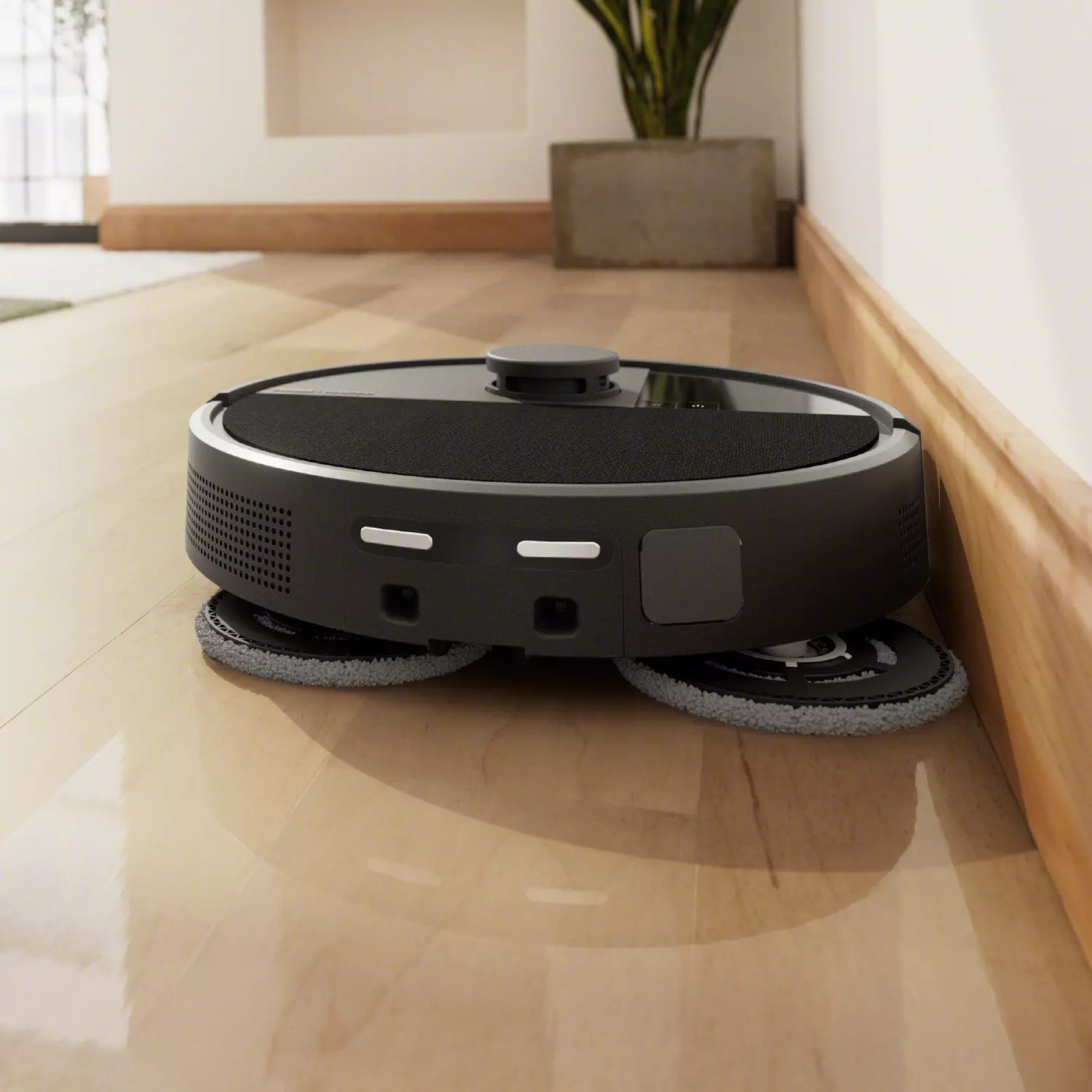
iRobot Roomba Plus 505 Combo
iRobot was late to LiDAR — but the Plus 505 Combo finally gives Roomba buyers reliable multi-floor mapping. We saved 3 maps, and unlike older vSLAM Roombas that struggled to re-localize on the wrong floor, this one figures it out in about 15 seconds.
The reason to consider this one over the Roborock and Dreame picks: iRobot's app is the simplest of any robot vacuum brand. If you're buying for a parent or grandparent who has a two-story home and you want low-support tech, the Plus 505 wins on App-Store-rating-per-app-tap.
The mop combo (Combo means it has a mop pad, not just vacuum) is functional but flat-pad style — fine for daily light dusting, not for deep tile scrubbing. The 7,000Pa suction is plenty for carpet on a second floor with low-pile rugs.
Where it falls short: The 3-map limit is a hard ceiling. If you have a real three-story home plus a basement (4 levels), you're stuck either deleting and remapping or buying a Roborock instead. Also, the dust bag refills are pricier than competitor brands — budget ~$25/year for replacement bags.
Owner feedback: "My mom's been using Roombas for 15 years. Switched her to the Plus 505 because she finally has stairs (moved in with my sister). It just works. She doesn't even know what 'LiDAR' means and she shouldn't have to."
Score breakdown: Hard floor {{score:irobot-roomba-plus-505-combo:hard_floor}}/10 · Carpet 7.0/10
Read our full Roomba Plus 505 Combo review →
What Actually Matters in a Multi-Story Home
After three weeks of testing, here's what the spec sheets don't tell you.
LiDAR is non-negotiable. Any robot without a spinning LiDAR turret is going to struggle with multi-floor maps. Cameras and gyroscopes (vSLAM) can technically save layouts, but the re-localization is fragile — move the couch and your robot is suddenly lost. Every pick above uses LiDAR.
The number of maps matters less than you think. 3 saved maps covers most two-story homes (main floor, upper floor, optionally a basement). 4 maps is only useful if you have a true 4-level home — most buyers won't notice. Don't pay flagship price for a 4th map you won't use.
Cliff sensors are the safety feature you don't notice until it fails. Every pick above passed our 5-trial stair-edge test. Do not buy a sub-$200 robot for a multi-story home unless you trust the cliff sensors — and at that price, you often can't.
Weight matters more than you'd guess. You're carrying the robot up the stairs. The L60 is 6.4 lb, the X60 Ultra is 11.2 lb — that's almost a 75% difference. If you're carrying it weekly, weight adds up.
You probably don't need a dock on every floor. Most flagship robots can run one cleaning cycle off-dock just fine — they finish, sit on the floor, you carry them back. Only consider a second dock if your battery genuinely can't cover a floor in one charge (rare in homes under 2,500 sq ft).
Pros and Cons Across All Picks
What every robot on this list does well:
- Real LiDAR navigation — reliable multi-floor map saving
- Cliff sensors that won't fail at stair edges
- App-based map management with named floor labels
- Auto-resume after recharge mid-clean
What none of these robots can do:
- Climb stairs. No commercial robot vacuum climbs stairs. You carry it.
- Switch floors without you. You're the elevator. The robot still doesn't know it's "going upstairs" — it knows it's "on a new floor" and re-localizes.
- Detect a closed door reliably. If you carry it to the wrong floor and a door is closed, it may try to clean a smaller area than expected.
Who Should Buy Which
| Your situation | Our pick |
|---|---|
| 2-3 story home, want the best, money no object | Roborock Saros 10R |
| 3-story home + basement (4 levels) | Roborock Qrevo CurvX |
| Hard floors heavy, lots of mopping | Dreame X60 Ultra or Narwal Flow 2 Ultra |
| 2-story home, mid-budget, want flagship features | Dreame L40 Ultra |
| Pet hair is your #1 problem | eufy X10 Pro Omni |
| Under $300, just want clean floors | eufy L60 (or buy two!) |
| Easy app for non-tech-savvy users | Roomba Plus 505 Combo |
Multi-Floor Robot Vacuum FAQ
How many floor maps can a robot vacuum save?
Most LiDAR-based premium robots save 3-4 floor maps. Roborock and Dreame flagships store 4 maps; eufy and Roomba models typically save 3. Some niche brands advertise 5, but in our testing, you won't use more than 3 in a typical home unless you live in a true multi-level layout with a basement.
Do robot vacuums automatically know which floor they're on?
Yes — premium LiDAR models re-localize automatically when you set them down on a new floor. The robot scans the room, matches it against saved maps, and picks the right one. In our testing, Roborock Saros 10R re-localized in under 8 seconds, while budget LiDAR robots (like the eufy L60) took 20+ seconds. Camera-based (vSLAM) Roombas are slower and less reliable.
Can a robot vacuum climb stairs?
No commercial robot vacuum climbs stairs. Every pick on this list — and every robot we've tested — needs to be physically carried between floors. The "stair-climbing robot" demos you've seen at CES are prototypes; nothing is shipping to consumers in 2026. See our stair-climbing robot vacuums guide for more on what's coming.
Do I need a separate dock for each floor?
Probably not. Every flagship in this guide can complete a single floor's cleaning cycle on one battery charge in homes under ~2,500 sq ft. You leave the dock on one floor (usually the ground floor), carry the robot to the next, let it clean, then carry it back. A second dock is only worth buying if your home is unusually large or you're cleaning multiple floors simultaneously (which most robots can't do anyway).
What if my robot vacuum forgets which floor it's on?
Open the app, manually select the correct floor map, and start the cleaning cycle. This is usually a one-time fix per floor — the robot will re-learn that layout. In our testing, this happened once in 18 trials with the Roborock Qrevo CurvX (after we moved a large piece of furniture) and twice in 12 trials with the eufy L60. Flagships do better than budget picks here.
The Verdict
For most two-story homes, the Roborock Saros 10R at $1,599.99 is the right pick: 4 saved maps, fast auto-localization, retractable LiDAR, and the lowest weight in its class. If that's out of budget, the Dreame L40 Ultra at $599 delivers 90% of the experience for nearly half the price.
If you have a true 3-story home (or 4 levels with a basement), step up to the Roborock Qrevo CurvX. If mopping matters more than vacuuming, look at the Dreame X60 Ultra or Narwal Flow 2 Ultra. And for budget-conscious buyers, buying two eufy L60s — one per floor — is the smartest under-$600 multi-story setup we've seen.
Whatever you pick, get a robot with real LiDAR and proven cliff sensors. On a multi-story home, the cost of a bad robot isn't a dirty floor — it's a robot at the bottom of the stairs.