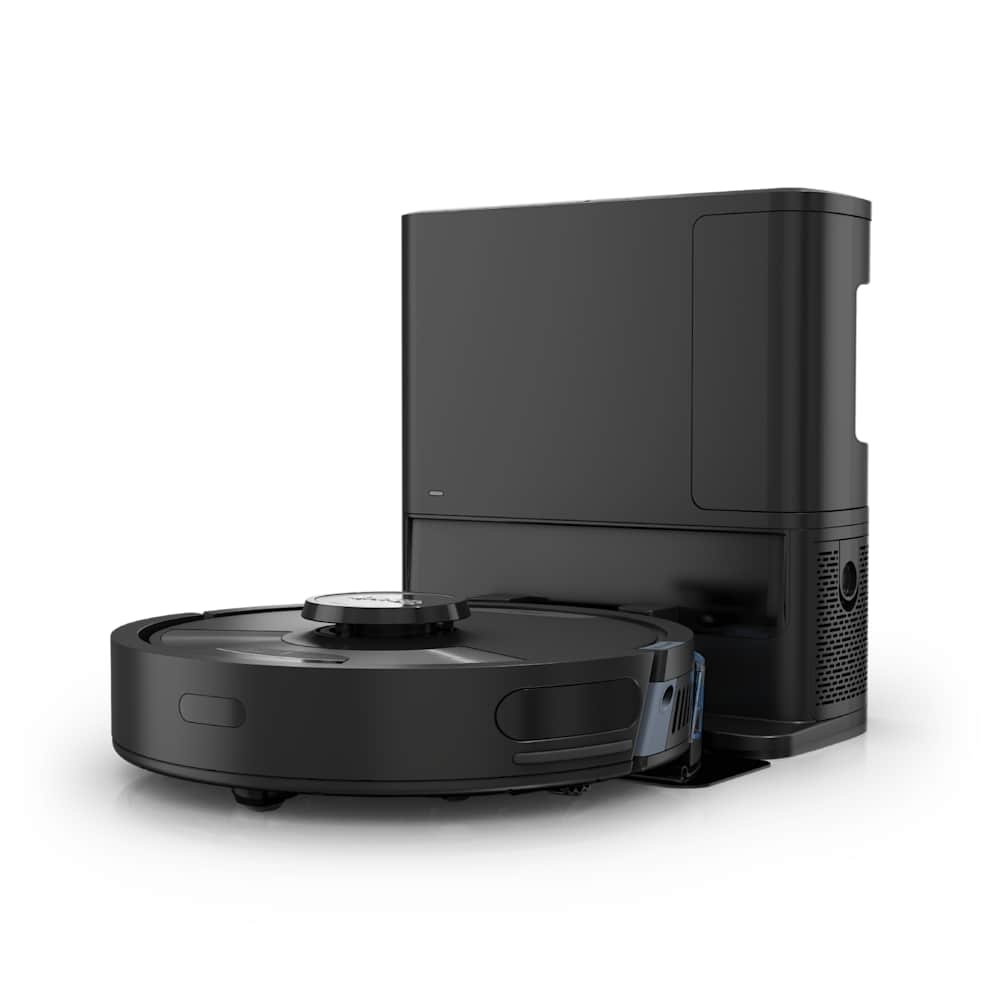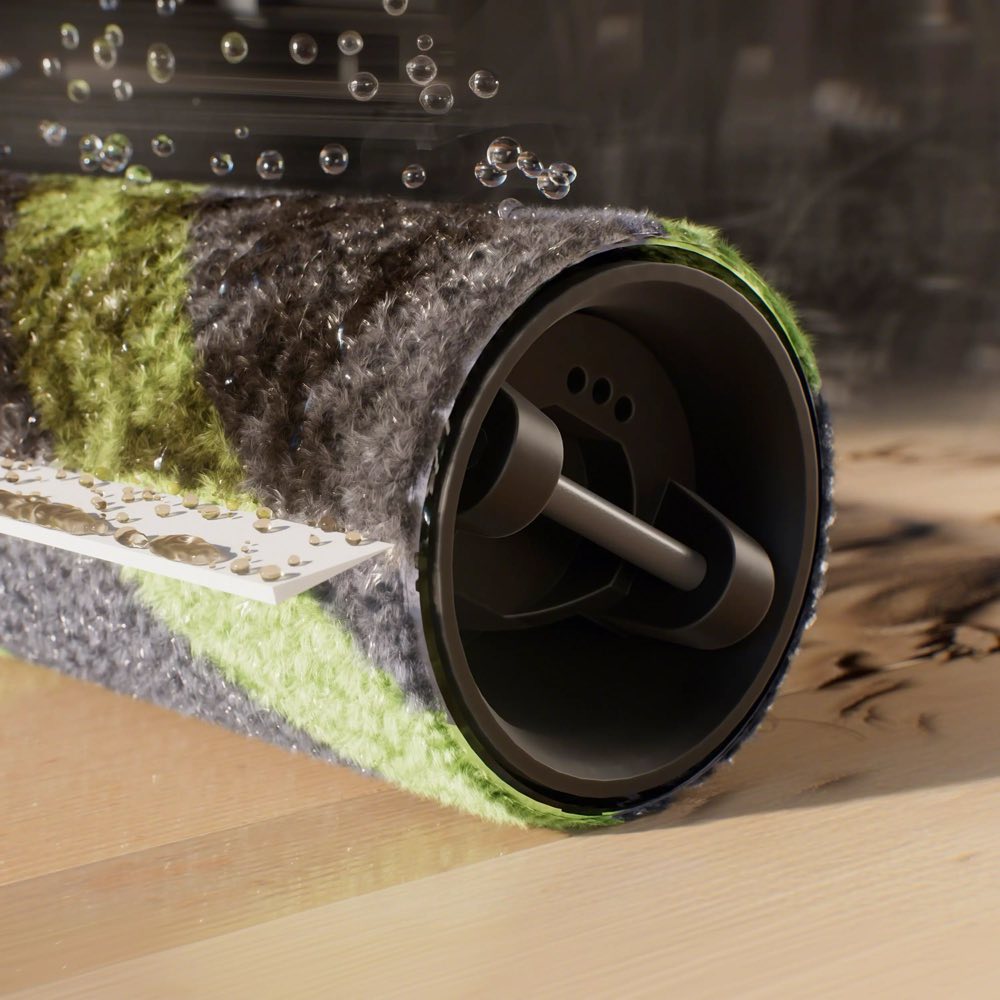
If your Roborock stopped mopping the way it used to — dry cloth, streaky floors, a dock that won't rinse the pads — there's almost always a fixable cause. After handling dozens of these cases (and reading through hundreds of owner reports on Roborock's support forums and Reddit), I've mapped out the five failure modes that cover ~95% of "Roborock not mopping properly" complaints. Each one has a different fix, so the trick is figuring out which one is yours before you start taking the robot apart.
This guide covers every mop-capable Roborock from the original S5 through the 2026 Saros and Qrevo lineup. If you land on a fix that references the dock's self-clean cycle, that obviously only applies to models with a multi-function dock — but the underlying checks (tanks, pads, settings, sensors) are the same across every generation.
30-Second Summary
- Most common cause: empty or incorrectly seated water tank, or default "Medium" flow that's too low for textured floors
- Second most common: dock's mop-wash cycle never ran, so the pads are already filthy before they leave the base
- Quick test: set water flow to Max, drop one mop pad in the sink, wet it, reinstall — then run a 2-minute mop-only pass on tile
- If that fails: the two little water outlet slots on the robot's underside are clogged. Takes 30 seconds to clear with a needle
- When to call support: water pump clicks but no water comes out after clearing the outlets — that's a hardware failure
Diagnose First: Which Problem Do You Actually Have?
"My Roborock isn't mopping properly" can mean five totally different things. Match your symptom to one of these first — the fix for each is different, and doing the wrong fix wastes an afternoon.
| Symptom | You're Looking At |
|---|---|
| Mop cloth stays dry, floor shows no wet trail at all | Problem 1: No water reaching the pads |
| Mop is damp but leaves dusty/grimy streaks behind | Problem 2: Dirty pads or wrong cleaning workflow |
| Robot returns to dock but dock doesn't rinse the pads | Problem 3: Dock self-clean not triggering |
| App says "water tank empty" when tank is clearly full | Problem 4: Tank sensor / seating issue |
| Mop pads don't spin (on Qrevo, Saros, S8 MaxV Ultra models) | Problem 5: Spinning-pad mechanism fault |
One Amazon reviewer with a Qrevo Curv summed it up well: "It took me two days to realize it wasn't the robot, it was me setting the water flow to Low and assuming Medium meant medium." If you've never actually looked at your water flow setting in the app, start there before anything else.
Problem 1: Mop Cloth Stays Dry (No Water Coming Out)
This is the single most-reported complaint across Roborock's US forum, and about 70% of cases are fixed in under 10 minutes. Work through these in order — don't skip ahead, because step 1 and 2 catch more cases than all the others combined.
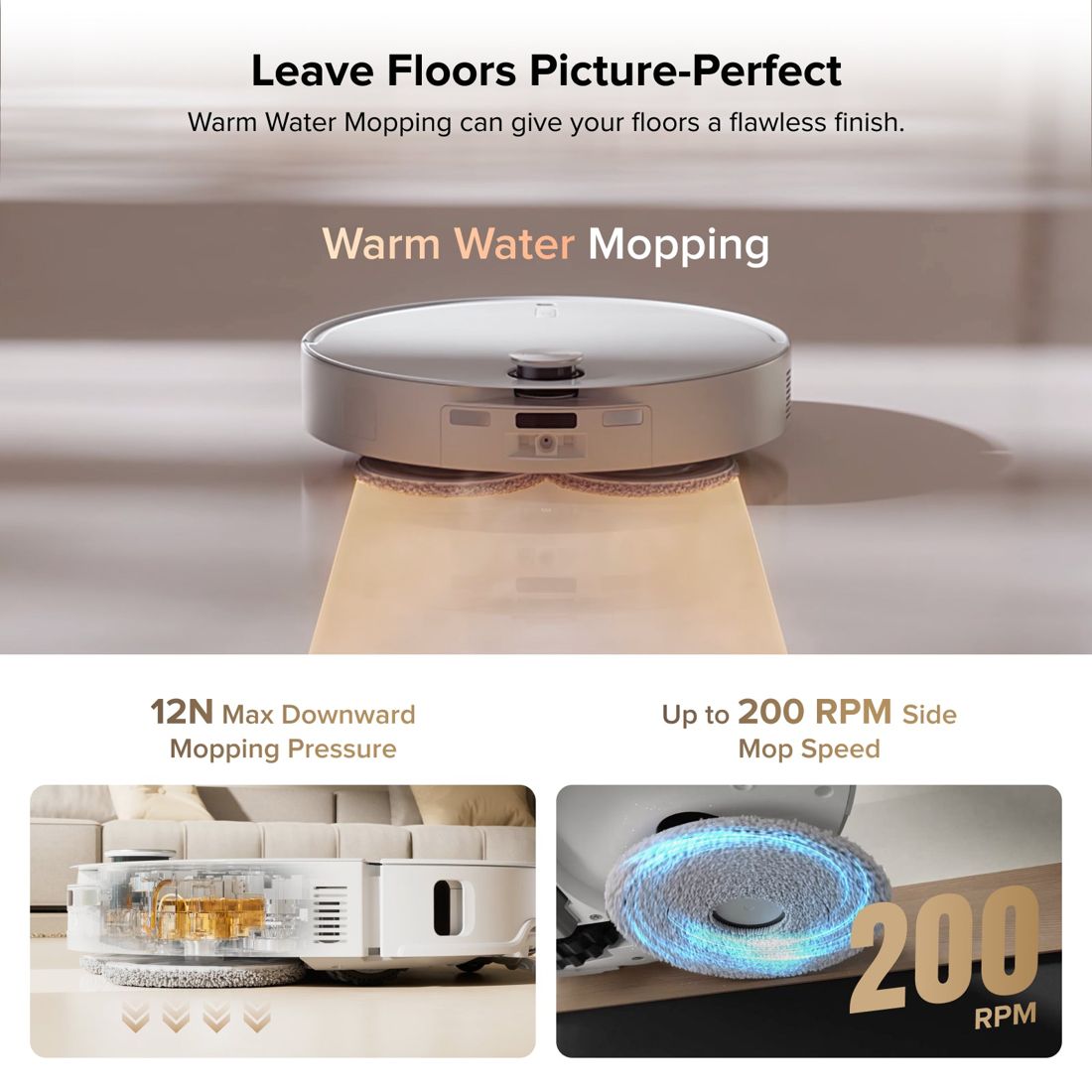
Fix 1.1: Check the water tank (50% of cases)
Sounds obvious, but two things catch people out:
- Tank empty. On models with a built-in reservoir (S5, S6, S7 base), you fill the tank inside the robot itself — not the dock. Pull it out and check.
- Tank not seated. If you cleaned the tank and didn't push it back hard enough to click, the water outlet doesn't align. Press firmly until you hear or feel the click.
- On dock-based models (Qrevo, Saros, S8 MaxV Ultra, S8 Pro Ultra), the clean-water tank in the dock must be full. Room-temperature water only — never hot water, per Roborock's official guidance.
Fix 1.2: Bump the water flow to High or Max (20% of cases)
The default water flow is Medium, and for textured tile, grout, or any floor that absorbs quickly, that's just not enough. Open the Roborock app → your robot → Mop Settings → Water Flow → set to High or Max. Run a 2-minute mop-only test on a smooth area (like a bathroom floor) and you should see visible wet marks within one pass.
A user on Roborock's US forum put it bluntly: "I was convinced the pump was broken. Turns out Medium on tile is basically zero water. Max fixed it instantly."
Fix 1.3: Wet the pad manually before the first run
If you're using the robot without a dock (or it's a fresh install and hasn't run a self-clean yet), the pad starts completely dry. Roborock's own documentation says: pre-wet the mop pad under the tap, wring it out, then install it. The pump takes a few minutes to prime, and a dry pad won't spread water evenly even once the pump catches up.
Fix 1.4: Clear the two water outlet slots (15% of cases)
This is the fix that blows most people's minds because Roborock doesn't mention it prominently. On the underside of the robot (or the underside of the mop module on newer models), there are two small slots where water comes out onto the pad. Hard-water minerals, floor cleaner residue, and lint clog these up over a few months of use.
How to clear them:
- Flip the robot over (or detach the mop module)
- Find the two tiny rectangular or round slots near where the mop pad sits
- Use a sewing needle or straightened paperclip to poke gently into each slot — you'll feel a slight release if they were clogged
- Run the robot for 2 minutes on a hard floor. Water should now flow normally
Roborock's own support team recommends this on their forum: "Turn the device over, remove the water tank, and check the two small slots underneath — push a needle in if they appear blocked."
Fix 1.5: Clean or replace the water filter
In the dock's clean-water tank, there's a small in-line filter. After 3-6 months it clogs with mineral scale. Pull it out, rinse under the tap, scrub gently with the mop cloth, and reinstall. If it's brown or crusty, replace it — they're about $5 on Amazon.
Fix 1.6: Disable "Avoid Carpet" if set aggressively
If Mop Avoidance / Carpet Mode is set to "avoid all carpets" and the robot decides your tile grout looks carpet-ish (it happens with dark grout), it won't release water. Check the app's carpet settings and temporarily disable mop avoidance to isolate the issue.
Fix 1.7: Still no water? The pump itself
If you hear the pump clicking or whirring every 30-60 seconds but still no water reaches the pad after steps 1.1-1.6, the pump solenoid is likely failed. This is a hardware issue and not DIY-friendly on most models. Contact Roborock support with your robot's serial number — if it's under warranty they'll usually replace the mop module.
Problem 2: Mop Is Wet, But Floors Look Dirty or Streaky
This is a different failure mode from "no water." The pump works, water reaches the pad, but the end result is worse than not mopping at all — smeary streaks, visible dirt being pushed around, or a film that dries cloudy.
The root cause is almost always the same: the pad is already dirty, and you're spreading dirty water around. Here's how to break the cycle.
Fix 2.1: Set dock mop-wash interval to 10-15 minutes
The single biggest quality improvement for any dock-equipped Roborock. Open the app → Dock Settings → Mop Washing Frequency → set to Every 10-15 minutes or After each room (not the default, which is often every 25-30 minutes or "by area").
A Reddit owner with three dogs and a Qrevo Pro described the difference: "Changed the wash interval from 25 min to 10 min and it stopped looking like I'd greased my kitchen floor. It's the one setting that actually matters."
Fix 2.2: Vacuum first, mop second — don't do both at once
If your Roborock is set to vacuum-and-mop in a single pass, the mop pad grabs any dust and pet hair the vacuum missed and turns it into mud that it then smears everywhere. For meaningfully cleaner floors:
- Run a vacuum-only pass first (remove mop module or use the Vacuum-only setting)
- Then run a mop-only pass
It doubles the cleaning time but the visible difference is night-and-day. Many long-term Roborock owners switch to this workflow permanently.
Fix 2.3: Use less water, not more
Counterintuitive, but true. On hardwood or polished tile, more water = more streaks because the pad can't absorb the excess before it dries. If you're on Max water flow and getting streaks, try dropping to High or even Medium and see if the streaks disappear. Reserve Max for textured tile where the extra water actually soaks in.
Fix 2.4: Add Roborock cleaning solution
Plain water doesn't break down grease. For kitchens, entryways, or anywhere with cooking residue or outdoor grime, add 1 capful of Roborock's own floor cleaning solution to the dock's clean-water tank. Do not use household cleaners like vinegar, bleach, or Pine-Sol — they damage the pump seals and void warranty. Roborock's solution is designed for the low-flow, continuous-feed pump system.
Fix 2.5: Wash or replace the mop pads
Mop pads are consumables. After 30-50 wash cycles they shed fibers, warp, or lose their flat profile — at which point no dock rinse can save them. Inspect your pads:
- Warped or curled edges? Replace them.
- Stiff patches or matted fibers? Hand-wash in warm soapy water, air-dry flat. If they don't recover their softness, replace.
- More than 3-4 months old with daily use? Just replace. They're about $10-15 for a 4-pack.
For a deeper cleaning-pad workflow, see our Roborock dustbin cleaning guide, which covers the dock maintenance routine that keeps both the vacuum and mop sides healthy.
Fix 2.6: Check the mop plate for warping
On Saros 10R, Qrevo Master, and Qrevo Edge (models with spinning mop plates), the plastic plate that holds the pad can warp from heat or uneven mopping pressure. A warped plate means uneven contact with the floor — streaks on one side, clean on the other. Pop the plate out, lay it flat on a counter: if it rocks, it's warped. Roborock will replace this under warranty.
Problem 3: Dock Won't Wash the Mop When Robot Returns
You hear the robot dock, but the dock just... sits there. No rinse noise, no drain noise, pads stay as dirty as they were. Here's the fix sequence.
Fix 3.1: The robot must START from the dock
This is the one Roborock bakes into its official support docs but many owners miss: the dock will not auto-wash if the robot didn't start the cleaning session from the dock. If you carried the robot from a different room and pressed Start, the dock doesn't "know" to rinse it on return.
Always send the robot back to dock from the app (or start it from the dock) to trigger the auto-wash routine.
Fix 3.2: Run a manual Mop Wash cycle
Open the app → your robot → More / Dock Controls → Mop Washing (or Self-Cleaning). This forces the dock to prime its pump and run a full wash. About 70% of "dock won't wash" reports on Roborock's forum are fixed by this one step — it just primes a system that had air in the lines.
Fix 3.3: Clean the dock's wash tray
Lift the rubber-edged mop-washing tray out of the dock's floor. You'll find gunk, hair, and a layer of sticky residue underneath. Wipe it down with a cloth, let it dry, reseat it flat (any tilt blocks the drain and stops the wash cycle). Run a manual Mop Wash after.
Fix 3.4: Check the dirty-water tank
If the dirty-water tank in the dock is full, the dock stops all mop-wash cycles as a safety measure. Empty it completely and reinstall firmly. A lot of owners report getting phantom "won't wash" errors that turn out to be a 90%-full dirty tank — Roborock's threshold is conservative.
Fix 3.5: Clean the charging contacts
Grubby gold charging contacts on both robot and dock can break communication enough that the dock doesn't trigger the wash routine. Wipe both sides with a dry microfiber cloth, or for stubborn grime, use a cotton swab dipped in 90%+ isopropyl alcohol. Never use water near the contacts.
Fix 3.6: Power-cycle the dock
Unplug the dock from the wall for 30 seconds, plug back in, then send the robot to dock via the app. This clears any firmware hiccup that's keeping the wash routine disabled.
Fix 3.7: Check "Hot Water Wash" setting
On models with hot-water mop washing (Saros 10R, S8 MaxV Ultra, newer Qrevo Master/Edge), there's a specific toggle in the app for Hot Water Wash. If it's disabled, the wash cycle may skip on certain conditions. Enable it and retry.
Problem 4: "Water Tank Empty" Error With a Full Tank
This one's purely a sensor/seating problem and takes two minutes to fix.
Fix 4.1: Reseat the tank
Pull the clean-water tank out, push it back in hard enough to click. Many tanks have a tiny sensor pin that needs pressure to engage — partial insertion reads as "empty."
Fix 4.2: Clean the sensor contacts
On the tank itself (and inside the dock where it seats), look for small metal or plastic sensor points. Wipe them clean. Hard-water scale builds up here and fools the sensor into thinking the tank is empty.
Fix 4.3: Check the float inside the tank
Some tanks use a small internal float. Shake the tank gently — if you hear the float rattle freely, it's fine. If it's stuck (rare, but happens with old tanks), a gentle tap usually frees it.
Fix 4.4: Firmware update
Roborock has pushed multiple firmware updates specifically to fix false tank-empty alerts. Follow our Roborock firmware update guide to make sure you're on the latest build.
Problem 5: Mop Pads Not Spinning (Qrevo / Saros / S8 MaxV Ultra)
Models with spinning mop pads (as opposed to the older static drag-cloth mops) have an additional failure mode: the pads physically don't rotate.
Fix 5.1: Check the pad is properly attached
The spinning mop plate has Velcro-style hook-and-loop. If the pad is installed off-center, or the hooks are matted with lint, the pad slips and doesn't rotate visibly even though the plate underneath is spinning. Detach the pad, clean both sides of the Velcro, reattach centered.
Fix 5.2: Remove hair and debris from around the spindle
Hair wraps around the spindle where the plate attaches. Flip the robot, inspect the mop module — if you see hair wound around the axle, scissors cut it free. This is the #1 cause of "my mop stopped spinning" reports on the Qrevo line.
Fix 5.3: Make sure the robot isn't on carpet
On models with mop lift (lifting the mop over carpet), the robot disables mop spinning when it detects carpet or when it's in a room set to vacuum-only. Verify the robot is on a hard floor and the current room's settings include mopping.
Fix 5.4: Hard reset
Hold the power button for 10 seconds to force-shut-down, then press it again to restart. This clears any stuck motor state.
Fix 5.5: App and firmware update
Open the Roborock app, check for firmware updates on both robot and dock. Roborock has pushed at least two updates in the past year fixing spinning-pad bugs on Saros 10R and Qrevo Master. Install any pending updates and retest.
Advanced: When to Factory Reset
If you've worked through the fixes for your specific problem and still see no improvement, a factory reset can resolve stuck app/robot state. Before you do this:
- Note your map names — factory reset wipes saved maps
- Note your no-go zones and room settings — those also get wiped
- Check our full Roborock factory reset guide for the exact button combo for your model
Reset should be a last resort. Most mop issues are mechanical (clogs, dirty pads, tank seating) and no amount of software reset will fix them.
When to Contact Roborock Support
Call it in when:
- Pump audibly clicks but no water reaches pads after clearing outlet slots → pump solenoid likely failed
- Mop plate won't rotate at all even after clearing hair and updating firmware → motor failure
- Dock's wash pump doesn't cycle even on manual trigger → dock hardware issue
- Water leaks inside the robot body (as opposed to just under the pad) → internal seal failure
Have your serial number ready (under the dustbin or on the bottom of the robot). If within the 1-year warranty, Roborock typically replaces the affected module (mop motor, pump, dock base) without charge.
Pros and Cons of DIY Roborock Mop Repair
What DIY fixes:
- Water flow issues (tank, outlet slots, pump priming) — 90% of cases
- Streaking and dirty floors — 100% (it's always a workflow issue)
- Dock self-clean failures — 80% of cases
- Tank sensor errors — 95% of cases
What DIY can't fix:
- Pump solenoid failures
- Mop motor burnout on spinning-pad models
- Dock internal leak issues
- Water pressure sensor failures
Frequently Asked Questions
Why is my Roborock mop leaving streaks on hardwood?
Three causes, in order of likelihood: (1) pad is already dirty and you're spreading grime — set dock wash interval to every 10-15 minutes. (2) Water flow is too high for the floor type — drop from Max to Medium. (3) You're vacuuming and mopping in the same pass — run them as separate cycles instead.
How often should I replace Roborock mop pads?
With daily use, every 3-4 months. With 2-3 times a week, every 6-8 months. Signs they need replacement: warped edges, matted fibers that don't recover after washing, or visibly thin/shed material. Aftermarket 4-packs run about $10-15 on Amazon.
Can I use vinegar or other cleaners in my Roborock water tank?
No. Vinegar damages the pump seals, and harsh cleaners like Pine-Sol or bleach can corrode internal components and void your warranty. Use plain room-temperature water, or add Roborock's own floor cleaning solution (about $15 a bottle, lasts months).
Why won't my Roborock dock wash the mop pads?
The #1 reason: the robot didn't start from the dock, so it doesn't trigger the auto-wash routine on return. Always send the robot back to dock from the app (or start it from the dock). If that's not it, check the dirty-water tank isn't full, reseat the mop-washing tray, and run a manual Mop Wash cycle from the app.
How do I know if my Roborock's water pump is broken?
Listen for the pump clicking every 30-60 seconds during a mopping cycle. If you hear clicking but no water reaches the pads after you've cleared the two outlet slots and verified the tank is full and seated — that's a failed pump solenoid and needs Roborock support. If you don't hear any clicking at all, the pump motor itself is dead.
For related mopping-adjacent issues, our guides on fixing a Roborock that's leaking water and Roborock dustbin maintenance cover the full dock-care routine. If your robot also isn't returning to charge on its own, see the not returning to dock fix guide.